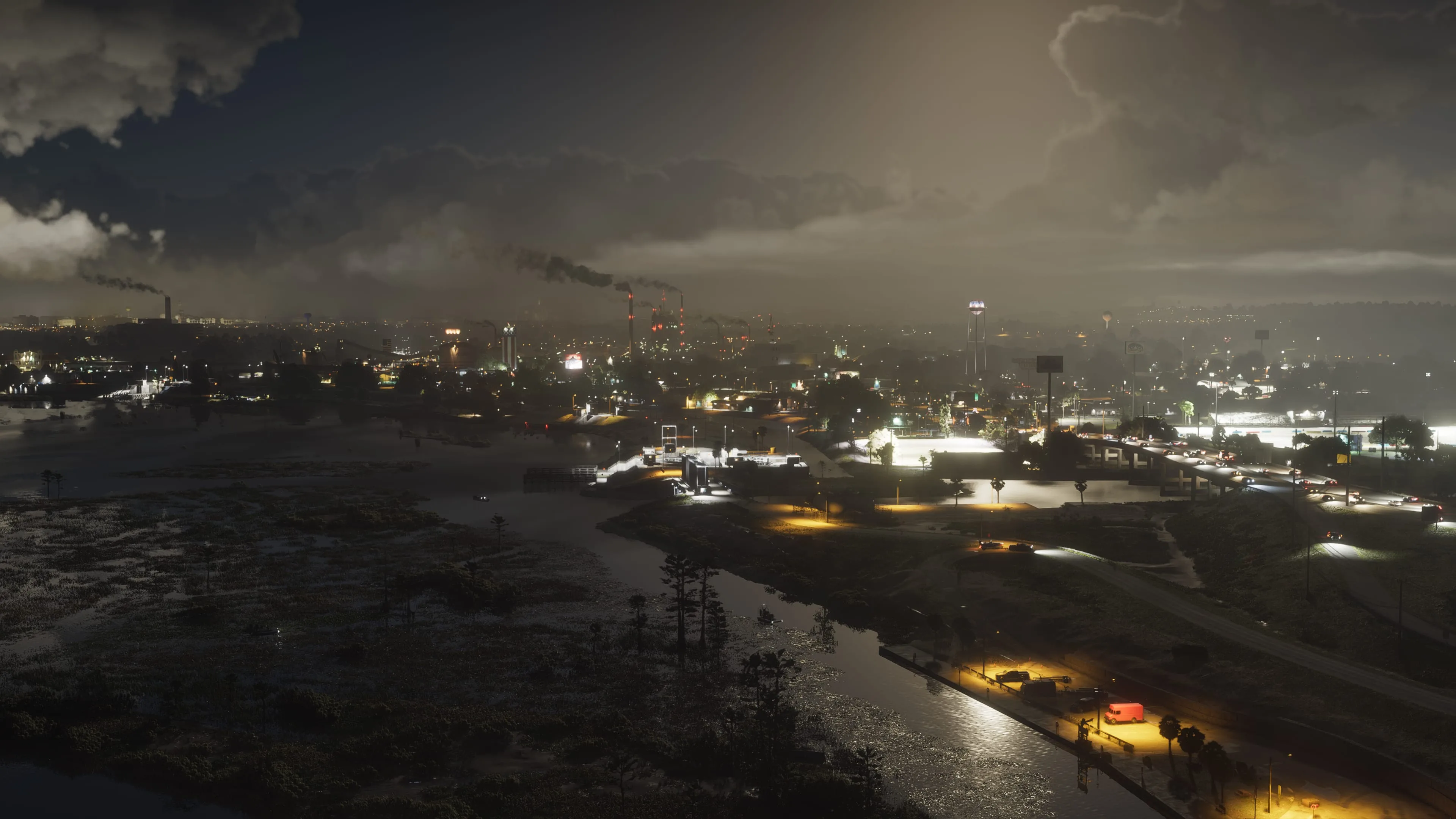

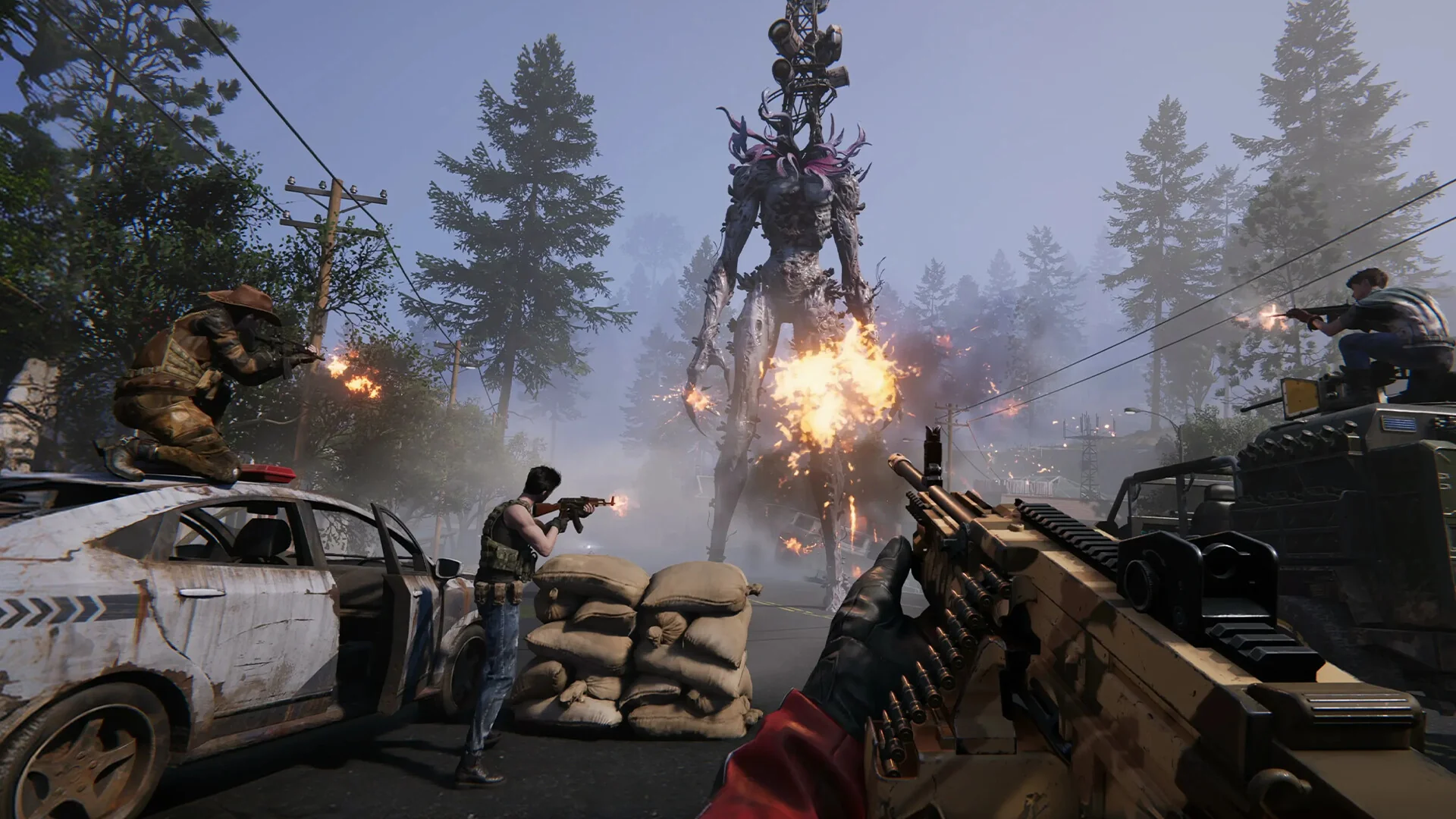

Once Human runs comfortably on modest hardware when you're alone in an open field. The real test isn't the world on its own — it's what happens once a dense player base, a pack of deviants, and a handful of other survivors are all rendering in the same scene at the same time. That's where the settings below actually pay off, and where most players are optimizing the wrong thing.
System Requirements
| Spec | Minimum | Recommended |
|---|---|---|
| OS | Windows 10 64-bit | Windows 10 64-bit |
| CPU | Intel Core i5-4460 | Intel Core i7-7700 |
| GPU | GeForce GTX 750 Ti 4GB / Radeon RX 550 | GeForce GTX 1060 6GB / Radeon RX 580 / Arc A380 |
| RAM | 8 GB | 16 GB |
| DirectX | 11 | 12 |
| Storage | 100 GB | 100 GB |
That's a genuinely low minimum GPU floor for a live-service open-world game — a GTX 750 Ti is over a decade old at this point — but treat it as a "the game will launch" spec rather than a "the game will hold up near other players" one. The recommended tier, and specifically the jump to DirectX 12, is where the settings below start to matter.
Base Rendering Is a CPU Problem, Not a GPU One
Dense player bases built from a lot of individual structure pieces hit CPU draw-call overhead harder than GPU shading, which is why lowering Shadow Quality alone doesn't fix the frame drops you get walking through populated territory. Structure Detail is the setting that actually addresses this — dropping it one tier reduces how many individual pieces of nearby bases get full detail treatment, and it's the fix most players skip because "Structure Detail" doesn't sound like a graphics setting. If you're getting CPU-side stutter specifically near other players' builds and nowhere else, this is the first thing to touch, not shadows or texture quality.
Foliage Density: A Real Trade-off
Unlike most survival games, Once Human's foliage density setting is a genuine visibility trade-off, not just a performance one — high foliage gives deviants and other players more places to hide from you, while low foliage removes that cover in both directions. Competitive-minded players often run this lower deliberately, independent of what their hardware could otherwise support, the same way some shooters treat grass render distance as a soft advantage. Decide which side of that trade-off you want before you decide it purely on frame rate.
Upscaling Is Worth Turning On Early — But Pick DirectX 12 First
Once Human supports both DLSS and FSR, but DLSS 3 with frame generation is only reachable if you switch the game to DirectX 12 in the graphics menu — it isn't available under the default DirectX 11 path, and a lot of players miss this because there's no in-game prompt telling them so. Once you're on DX12, turning DLSS or FSR on at Quality mode recovers enough frame rate on a mid-range card to bump other settings up a tier elsewhere, which is generally a better trade than running native resolution at a lower overall preset. On older or lower-VRAM cards still on DX11, FSR2 is available and still worth enabling — it's a smaller gain than the DX12 path but it's free performance you're otherwise leaving on the table.
Storage Matters More Than the Spec Sheet Suggests
The game streams a lot of world and base data continuously, and players on mechanical drives report noticeably worse texture pop-in near populated areas than the 100GB minimum-spec listing implies on its own — that number tells you how much space you need, not how fast it needs to be read. If you're upgrading one component specifically for this game, an NVMe SSD does more for the visible day-to-day experience than the next GPU tier up, especially once you're regularly passing through other players' territory.

Lee covers PC setup and optimization for Gamingonix, translating requirements and settings into what actually changes your performance.