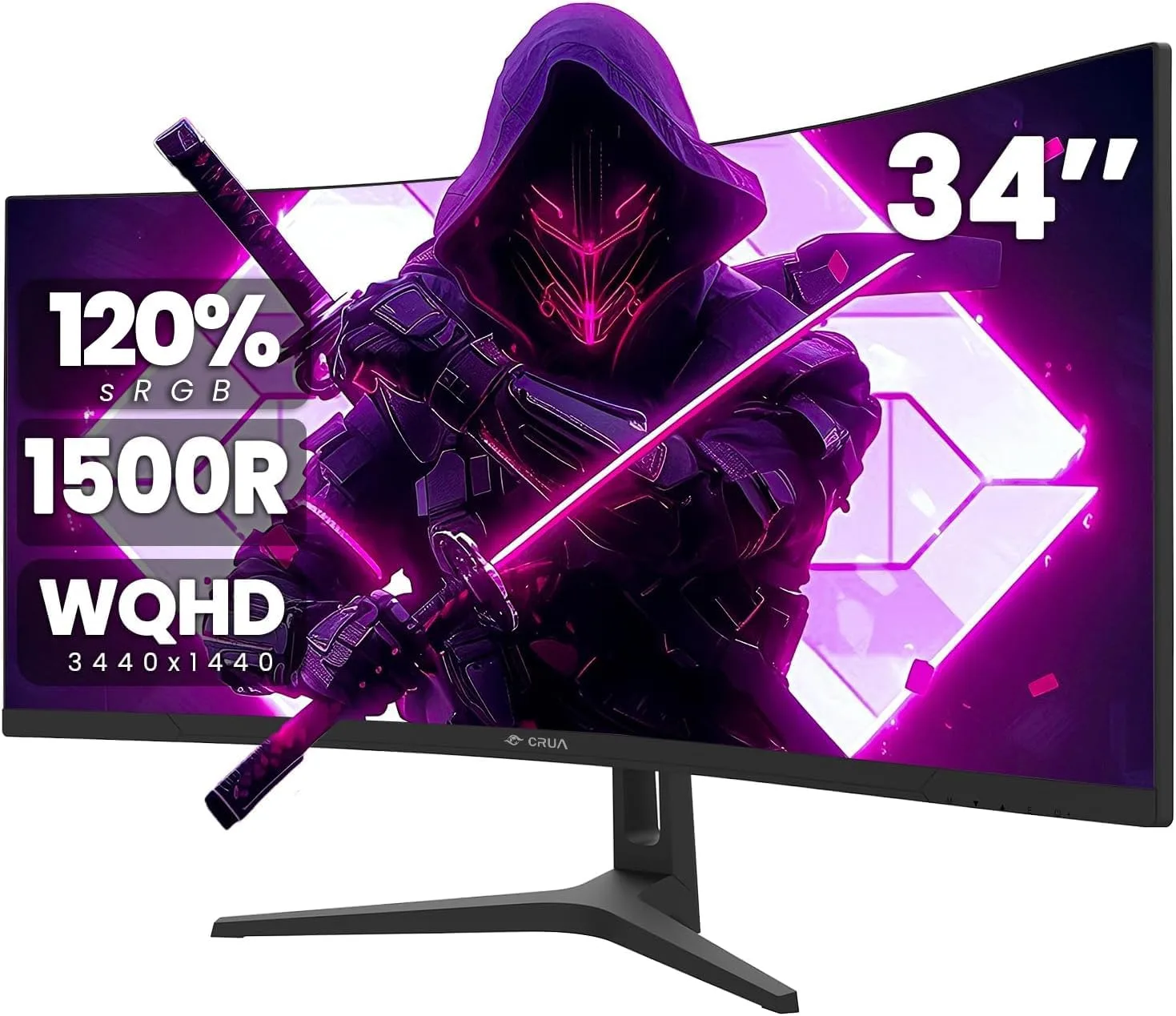

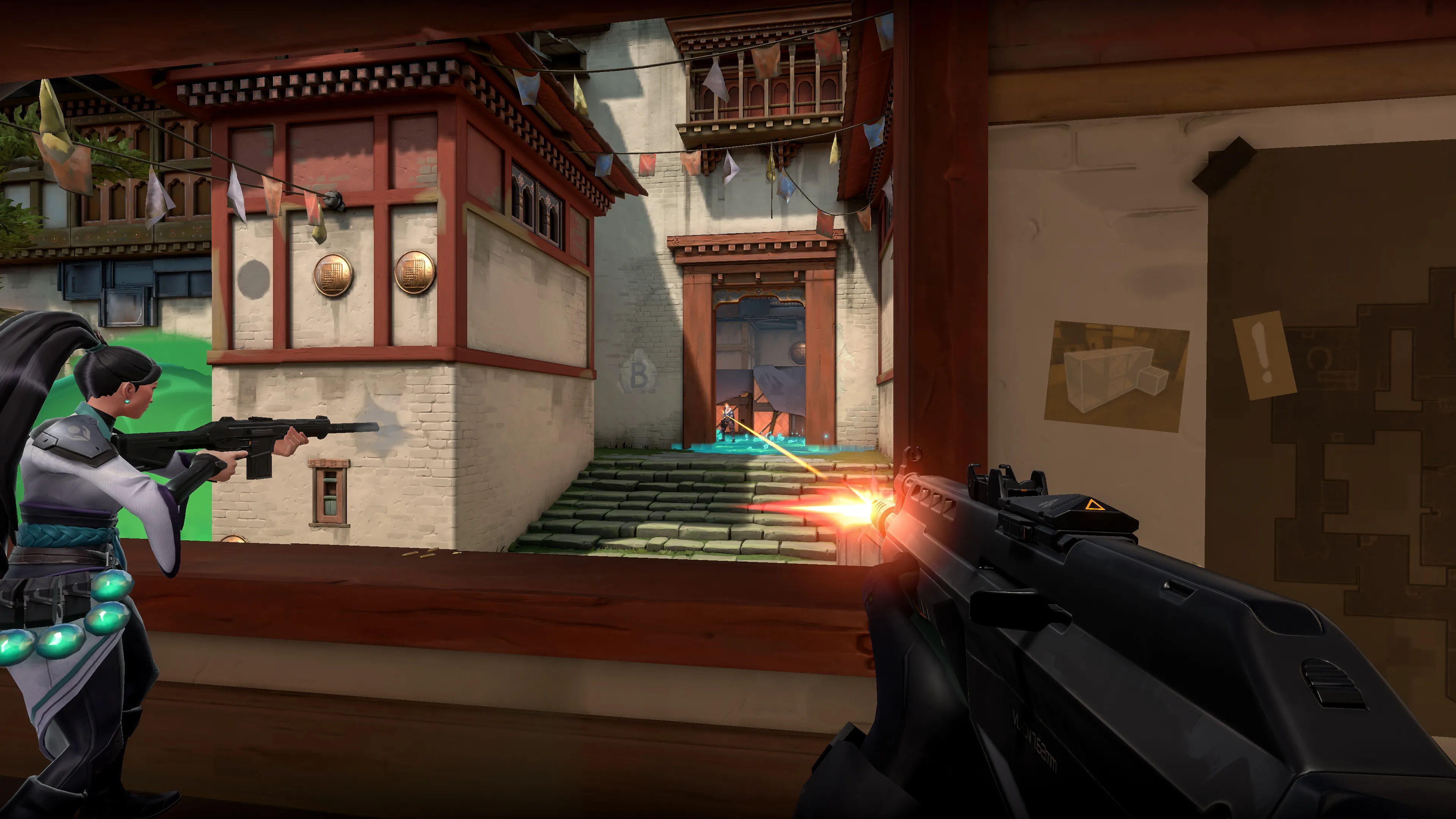

I get some version of this question constantly: "should I get a 144Hz, a 240Hz, or an OLED monitor?" The question itself is the problem. It treats refresh rate and panel technology like three stops on the same train line, when they're actually two separate axes that happen to cross each other. 144Hz and 240Hz are refresh-rate tiers — they tell you how many times a second the screen can draw a new image, and that number is available on IPS, VA, and OLED panels alike. OLED is not a refresh rate at all; it's a panel technology, and as of 2026 most OLED gaming monitors on the market ship at 240Hz or faster as their baseline, not instead of it. So the real decision isn't "which of these three," it's "how fast does the panel need to refresh, and which technology should be doing the refreshing." I'll use Valorant as the running example throughout this piece, because Riot's engine is light enough that almost any current PC can push it well past 240fps, which makes the display — not the GPU — the actual bottleneck in a way few other games expose so cleanly.
If you want the short version before the full breakdown: for a competitive shooter like Valorant, a 27-inch 1440p QD-OLED monitor at 240Hz, like the Alienware AW2726DM, is the best all-around buy right now — fast enough to use the frame rate Valorant can actually produce, with motion clarity a same-priced IPS panel can't match. The rest of this article explains why, and where that recommendation changes for casual players and colorists.
Monitor Decision at a Glance
| Spec | Minimum (budget-sensible) | Recommended | Ultra / Enthusiast |
|---|---|---|---|
| Refresh rate | 144Hz | 240Hz | 240Hz–360Hz |
| Panel type | IPS or VA | Fast IPS, or entry QD-OLED | QD-OLED or WOLED |
| Resolution | 1080p | 1440p | 1440p or 4K |
| HDR | HDR10 badge-level (400 nits, mostly marketing) | Real sustained brightness (IPS/mini-LED) or OLED tone mapping | OLED per-pixel contrast, 1000+ nit highlights |
| Color gamut | ~95% sRGB | ~95–99% DCI-P3 | 99%+ DCI-P3, wide Adobe RGB on QD-OLED |
| Adaptive sync | FreeSync or G-Sync Compatible | Same | Same, wide VRR range |
| What it costs you in Valorant specifically | Nothing — Valorant's engine clears this on almost any PC | Nothing — this is a budget question, not a GPU one | Nothing — same story, just a bigger bill |
| Typical price, 27" QHD | ~$150–220 (IPS 240Hz) | ~$300–370 (QD-OLED 240Hz) | ~$450–800+ (QD-OLED, up to 4K) |
That last row is the whole point of using Valorant as the example. Riot publishes genuinely low official requirements — a Core 2 Duo and Intel HD 4000 integrated graphics for 30fps, a GTX 1050 Ti-class card for its own "144+ FPS" tier — and in practice, almost any mid-range PC built in the last four years can push Valorant well past 240fps and often past 360fps. That means the usual "will my PC actually feed this refresh rate" caveat, which dominates monitor advice for GPU-heavy games, barely applies here. If you play Valorant, the question genuinely is just "what monitor do I want to buy," not "what monitor can my hardware justify."
The Frame Time Math, Briefly
Refresh rate is a rate, but what you feel is the time between frames, so divide 1000 by the refresh rate: 144Hz gives you a new frame every 6.9ms, 240Hz every 4.2ms, 360Hz every 2.8ms. The jump from 144Hz to 240Hz removes about 2.8ms of waiting; the next jump to 360Hz removes about 1.4ms more. Both are real, both are shrinking gains, and I've written the fuller version of this math — including why it matters more in build-fight-heavy games — in our Fortnite 144Hz vs 240Hz guide. I won't repeat it here, except to flag the one thing that's different for Valorant: because almost nobody is frame-rate-limited by their GPU in this specific game, the question of whether you'll actually hold 240fps in the worst moments — which is a real caveat in GPU-heavy titles — mostly evaporates. You can comfortably plan to use whatever refresh tier you buy.
Where OLED Actually Fits In This Decision
OLED isn't competing with 144Hz or 240Hz — plenty of current OLED gaming monitors run at 240Hz, and some 1080p and 1440p models now push 360Hz or higher. RTINGS' 2026 gaming monitor rankings put the ASUS ROG Swift OLED PG32UCDM Gen3 in the top overall spot across every monitor the site has tested, citing near-zero response time, a wide VRR range, and strong HDR tone mapping — a 240Hz-class OLED, not a separate tier below or above 240Hz. So the actual three-part decision is: how fast a refresh rate do you need, which panel technology should deliver it, and what resolution and size fit your GPU and desk. OLED adds real cost and a real (if shrinking) burn-in question on top of whatever refresh tier you pick — it doesn't replace the refresh-rate decision, it sits alongside it.
OLED, in Depth
Since OLED is named in the title, it earns equal treatment here rather than a footnote.
True blacks and contrast. Every pixel on an OLED panel emits its own light and can switch off completely, which gives you a genuinely infinite contrast ratio and no blooming — the faint halo IPS and VA panels with local-dimming backlights can show around a bright object against a dark background. In a game with dark corners and muzzle flashes, like Valorant's maps at night-lit sites, that matters for actually seeing a crouched opponent in shadow, not just for how a screenshot looks.
HDR performance, with a catch most marketing skips. QD-OLED panels can peak above 1,000 nits in a small highlight window, which looks spectacular in a bright muzzle flash or an explosion. But full-screen sustained brightness on a QD-OLED tends to sit around 250 nits, while a good IPS panel sustains 400–600 nits across the whole screen, and mini-LED backlit panels can hit 1,000–1,400 nits full-screen for genuine HDR1000/HDR1400 certification. That's an important, counterintuitive distinction: OLED wins on contrast and peak highlight punch, but a bright mini-LED or IPS panel can actually be the brighter screen in daylight or a lit room for sustained content. Don't buy OLED for HDR assuming it's simply "more HDR" across the board — it's a different kind of HDR performance, strong in exactly the ways contrast-driven content rewards and weaker in exactly the ways sustained brightness does.
Color gamut and accuracy. QD-OLED's quantum-dot layer typically covers 99%+ DCI-P3 and 95%+ Adobe RGB on current panels — genuinely wide. High-end IPS panels from the likes of Dell, NEC, and EIZO can also hit 99%+ DCI-P3, so raw gamut coverage isn't automatically an OLED win on paper. Where OLED tends to pull ahead for color work is color volume — how saturated colors stay at low brightness levels, since each pixel's color and luminance are controlled together rather than through a separate backlight. For a colorist or video editor grading footage with deep shadow detail, that per-pixel control is the more relevant number than the DCI-P3 percentage on the spec sheet, and it's worth asking a monitor's review for color volume or "ICtCp" data rather than taking a gamut percentage at face value.
Response time. OLED pixels switch state in a fraction of a millisecond, with no need for the overdrive tuning IPS and VA panels rely on to hit their advertised response-time numbers. That overdrive can introduce inverse ghosting — a faint bright trail behind a fast-moving object — on aggressively tuned IPS and VA panels, which OLED avoids by not needing the trick in the first place. At any given refresh rate, this is the single biggest reason OLED motion looks cleaner than an IPS panel running the same Hz.
Burn-in risk and current warranty coverage. This is the real trade-off, and it's worth being specific about actual terms rather than general anxiety. As of late 2026: LG's UltraGear OLED gaming monitors sold in the US carry a 2-year warranty that explicitly includes burn-in, provided the monitor is used in a residential setting rather than commercially. Samsung's US documentation for the Odyssey OLED G80SH states burn-in is covered under a 3-year warranty, with exclusions for commercial use, abuse, and misuse. ASUS has moved nearly every OLED monitor launched since 2024 to a 3-year warranty that explicitly names burn-in coverage, though a handful of older models still carry a 2-year term. The honest caveat: coverage differs by specific model, country, and sometimes retailer bundle, and the wording matters — look for the phrase "burn-in" or "permanent image retention" in the actual warranty document rather than assuming a brand's general policy applies to the exact unit you're buying. If you run a static HUD for hours a day — and Valorant's minimap, health bar, and ability icons sit in fixed positions for every match — that's precisely the kind of content that stresses OLED pixels unevenly over a long ownership window, so knowing your specific unit's coverage before you buy isn't optional due diligence, it's the actual purchase decision.
Price premium. The gap has narrowed a lot faster than most buying advice has caught up to. A 27-inch 1440p 240Hz IPS panel runs roughly $150–220 in late 2026, while a 27-inch 1440p 240Hz QD-OLED now runs roughly $300–450 depending on the model and whether it's on sale — a real premium, but a much smaller one than QD-OLED carried even a year or two earlier. Step up to 4K at 240Hz on OLED, like the Alienware AW2725Q, and pricing jumps to around $800, which is where the premium becomes harder to justify unless you specifically want 4K.
Competitive FPS and Shooter Players
For a game like Valorant, where the hardware ceiling is rarely the limiting factor, the decision is almost entirely about display budget and motion clarity rather than whether your PC can feed the panel. A 240Hz panel is the sensible floor if your budget allows it, since you'll actually use every bit of that refresh rate in practice. Between IPS and OLED at that refresh tier, OLED's response-time advantage genuinely helps you track a strafing opponent more cleanly, which is a gameplay edge, not just a visual one — but it's a smaller edge than the one you get simply by owning a 240Hz panel over a 144Hz one in the first place. If your budget forces a choice, prioritize the refresh-rate tier first and the panel technology second; a 240Hz IPS panel beats a 144Hz OLED for competitive play, even though the OLED looks nicer sitting still.
Casual and Story-Driven Players
If you're not chasing ranked climbs, the calculus flips. A 144Hz panel already clears nearly all of the perceptual gain of moving off 60Hz, and the money saved versus a 240Hz or OLED panel is better spent on a bigger, higher-resolution screen or simply kept in your pocket. Where OLED does make sense for this group is HDR-heavy single-player and narrative games with real contrast-driven scenes — dark corridors, neon cityscapes — where OLED's per-pixel black level is a legitimate, visible upgrade regardless of refresh rate. If that's your use case, a 144Hz or 165Hz OLED panel is a defensible buy even without the competitive refresh-rate argument behind it.
Content Creators and Colorists
For anyone grading footage, editing HDR content, or doing color-critical work, the refresh-rate conversation matters far less than panel accuracy and consistency. OLED's color volume and per-pixel contrast make shadow detail genuinely easier to judge accurately, which is the actual argument for OLED in this use case — not the marketing number on the box. The brightness caveat above matters more here than anywhere else in this guide: if your work involves sustained full-screen SDR or HDR grading rather than short highlight-driven clips, a properly calibrated mini-LED or high-end IPS panel with strong sustained brightness and verified factory calibration may serve you better than an OLED panel's bright-but-brief highlight performance. Check a monitor's actual calibration report and Delta E figures before buying on gamut percentage alone, since two panels claiming "99% DCI-P3" can still differ meaningfully in how accurately they hit that gamut in practice.
Bottom Line
Stop thinking of 144Hz, 240Hz, and OLED as three rungs on one ladder. Refresh rate and panel technology are different questions, and in a game like Valorant — where your PC can almost certainly produce more frames than any panel can display — the refresh-rate half of that question comes down to budget, not hardware capability. Buy the fastest refresh rate you can afford first if competitive play is the priority, since that's the half of this decision with a direct, measurable gameplay effect. Then decide on OLED specifically on its own merits: real contrast and motion-clarity gains, a narrowing but still-real price premium, and a burn-in warranty question that's gotten meaningfully better across LG, Samsung, and ASUS in the last couple of years but still needs checking model by model, not brand by brand.

Lee covers PC setup and optimization for Gamingonix, translating requirements and settings into what actually changes your performance.