
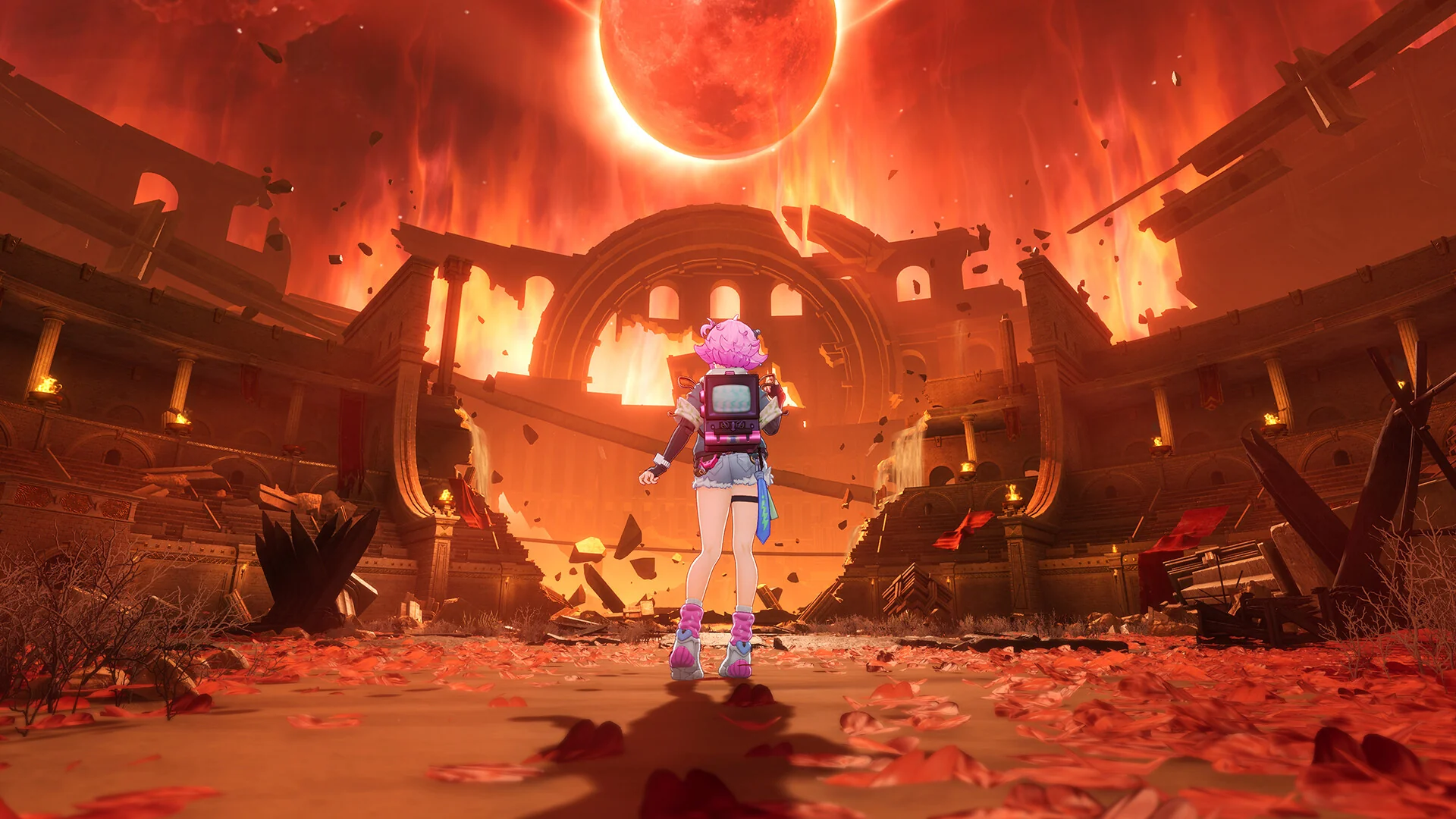

Neverness to Everness is built on Unreal Engine 5 and shipped as a cross-platform release spanning PC and mobile, which is why Everstone Studio's own spec sheet lists Snapdragon chips next to Ryzen and Core parts. That mobile lineage doesn't make the PC version light: full ray tracing, path tracing and Lumen-based global illumination are all present on PC, and open-zone hubs simulate more NPCs at once than the game's anime-adjacent art style suggests. Here's what it actually takes to run well.
System Requirements
| Spec | Minimum | Recommended |
|---|---|---|
| OS | Windows 10 64-bit | Windows 10 64-bit or later |
| CPU | Intel Core i7-10700 | Intel Core i7-12700 |
| GPU | GeForce GTX 1660 / Radeon RX 5600 | GeForce RTX 3060 / Radeon RX 6700 |
| RAM | 16 GB | 32 GB |
| DirectX | 11 | 12 |
| Storage | 70 GB | 70 GB |
The CPU Bar Is Higher Than It Looks
An 8-core, 16-thread Core i7-10700 as a minimum spec is unusual — most games in this genre put their CPU floor a tier or two lower. It's not there for show: open-zone hubs are running NPC AI, other players' characters, and streaming world state simultaneously, and that load sits on the CPU well before it touches the GPU. If you're pairing a strong graphics card with an older quad-core CPU, you'll bottleneck in exactly the crowded areas where the game is trying to impress you, not in combat instances where the load is lighter and more predictable.
The Setting Worth Lowering First: Global Illumination
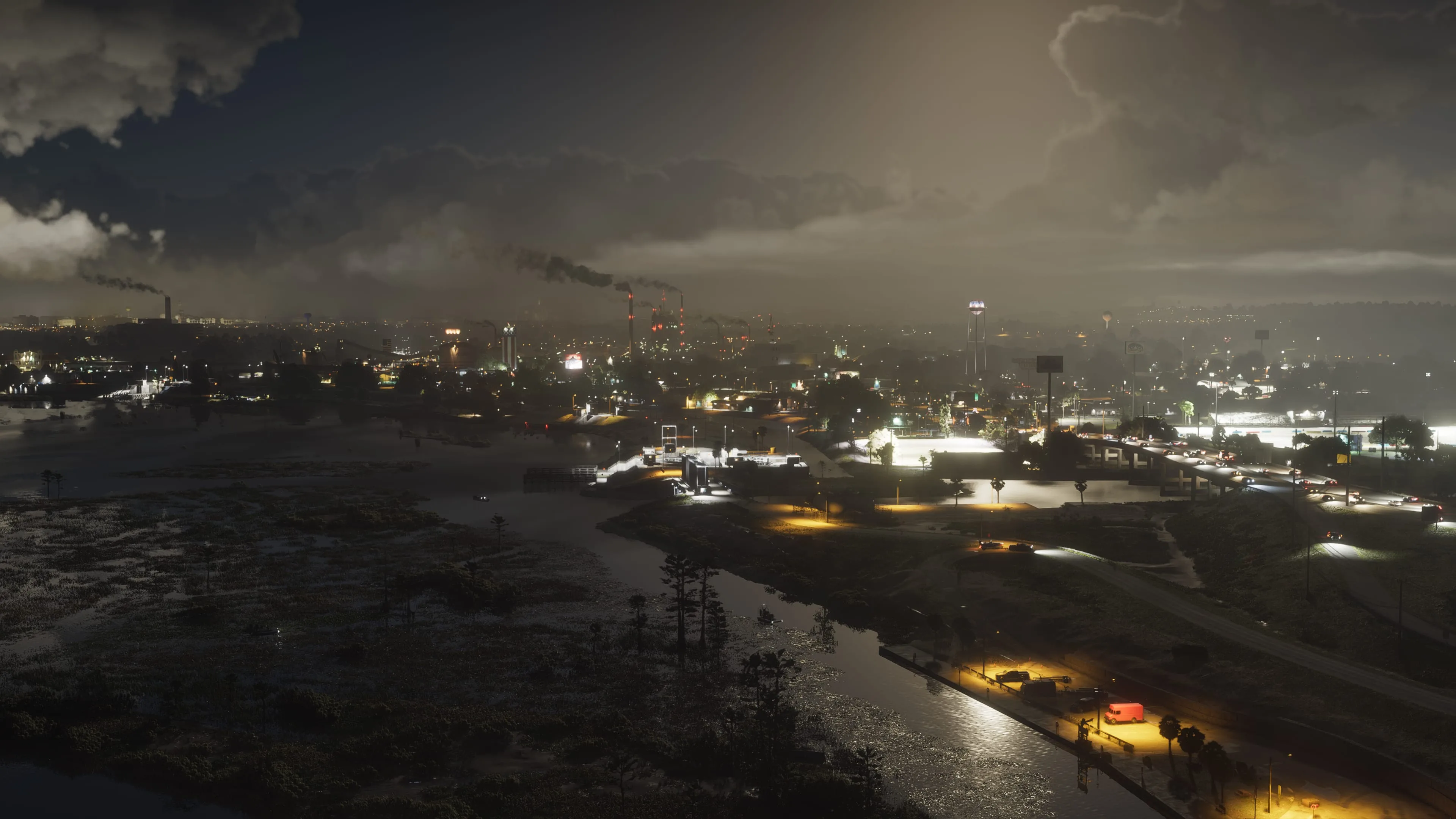
Global Illumination is Unreal Engine 5's Lumen lighting doing real-time bounce lighting across the open zones, and it's the single biggest frame-rate cost in the menu. The difference between High and Medium is genuinely subtle in motion — the removed bounce lighting mostly shows up in static screenshots, not while you're moving through a scene — which makes it the best first target for anyone chasing headroom. Crowd Density is the second: hub areas simulate more background characters than moment-to-moment gameplay needs, and dropping it to Medium barely changes how alive a city feels while cutting real CPU overhead in the exact areas that dip hardest.
Ray Tracing, DLSS and Frame Generation
NTE supports full ray tracing and DLSS 4 with Multi-Frame Generation, but both come with real conditions attached. Frame Generation needs an RTX 40-series card and Hardware-Accelerated GPU Scheduling switched on in Windows — without HAGS enabled, the option won't do what it's supposed to. On RTX 30-series and below, set DLSS to Quality if your card can hold 60fps native at that resolution, or Performance if it can't; either mode is a better trade than running native res with lower settings elsewhere. AMD and Intel users have a rougher deal here — FSR3 support is present but consistently reported as a step behind the DLSS path in this specific game, and there's no XeSS option at all, so Radeon and Arc owners get less mileage from upscaling than Nvidia owners do.
What Not to Touch
Texture Quality scales mostly with VRAM rather than raw GPU horsepower, so if you're running 8GB of VRAM or more, leave it on High even on an otherwise-lowered preset — it costs little on cards that can afford it, and the environment art is one of the game's genuine strengths. Shadow Distance is similarly safe: it's cheaper than its position in the settings menu suggests, and cutting it produces more visible pop-in at range than the frame-rate return justifies.
Traversal Stutter: Two Different Problems
Fast movement through open zones can stutter for two unrelated reasons, and treating them the same way wastes time. The first is storage-bound: on a mechanical drive or an older SATA SSD, the world can't stream in fast enough, and no graphics setting fixes it — an NVMe upgrade is the actual answer. The second is Unreal Engine 5's well-known shader compilation stutter, which shows up as short freezes the first time a new effect or material is drawn, typically worst in your first hour on a new PC or right after a graphics driver update. That kind of stutter fades as your shader cache fills up; if it persists indefinitely rather than tapering off, check that your GPU drivers are current before assuming it's a settings problem.

Lee covers PC setup and optimization for Gamingonix, translating requirements and settings into what actually changes your performance.