


Most ergonomic advice assumes a spare room and a desk against a blank wall. A small bedroom doesn't have that luxury — the desk fights with a bed, a closet, a window, sometimes a roommate's sleep schedule, and every inch of depth you give the monitor is an inch you don't get back for your arms. None of that means ergonomics goes out the window; it means the decisions that matter most are the ones that reclaim space instead of the ones that just look good in a showroom photo. This is a room-first guide: the actual height and distance math, the desk and mounting formats that work in a footprint under 6 feet of wall, and the specific gear that buys back desk depth, floor space, and quiet, with real current prices rather than invented benchmark numbers.
Small-Bedroom Setup at a Glance
| Budget | Mid-Range | Space-Maximized | |
|---|---|---|---|
| Desk | 40″ straight desk, fixed height ($60–$100) | 48″ electric sit-stand desk ($250–$350) | Corner or wall-mounted floating desk ($60–$160) |
| Chair | Mesh-back task chair with lumbar support ($100–$180) | Ergonomic chair with adjustable arms/seat depth ($250–$400) | Same as mid-range — chair footprint doesn't shrink with room size |
| Monitor mounting | Monitor's stock stand, pushed to desk edge | Single monitor arm, clamp-mount ($80–$150) | Monitor arm, desk-edge clamp to reclaim full desk depth ($80–$220) |
| Lighting | Single desk lamp, warm white, off to the side | Monitor light bar, no screen glare ($50–$130) | Light bar + smart bulb on a dim, warm schedule ($70–$160) |
| Cable management | Zip ties + adhesive clips ($10) | Under-desk tray + sleeve ($20–$40) | Under-desk tray + vertical wall-mounted power strip ($30–$60) |
Prices move with sales — treat these as real current ranges to shop against, not fixed numbers.
The Ergonomics That Actually Matter
Monitor height and distance decide more about neck and eye strain than any other single setting in the room, and the rule is simpler than most guides make it sound: the top third of the screen should sit roughly at eye level, with the whole panel 20 to 28 inches from your face. Too high, and you tilt your chin up for hours, which is the specific posture behind a sore upper neck at the end of a session; too low, and you round your shoulders forward to look down at it, which is the posture behind a sore lower back instead. A monitor sitting directly on its stock stand is very often too low for this once it's pushed back on a small desk, which is one of the real reasons a monitor arm earns its price in a cramped room — it's not just about reclaiming desk space, it's the only easy way to get the panel to the right height without stacking books under it.
Chair and desk height have to be solved together, not separately, because the correct chair height depends on the desk you're pairing it with, not a universal number. The working rule: sit with feet flat on the floor and knees at roughly a 90-degree angle, then check that your forearms rest level with the desk surface when your hands are on the keyboard — elbows close to your sides, not reaching up or down to type. If the desk is too high to hit that elbow angle with your feet flat, a footrest is the cheap fix; if it's too low, risers under the desk legs work, though a desk that adjusts height electrically solves this permanently and is worth it if you're sharing the room or the desk with anyone else of a different height.
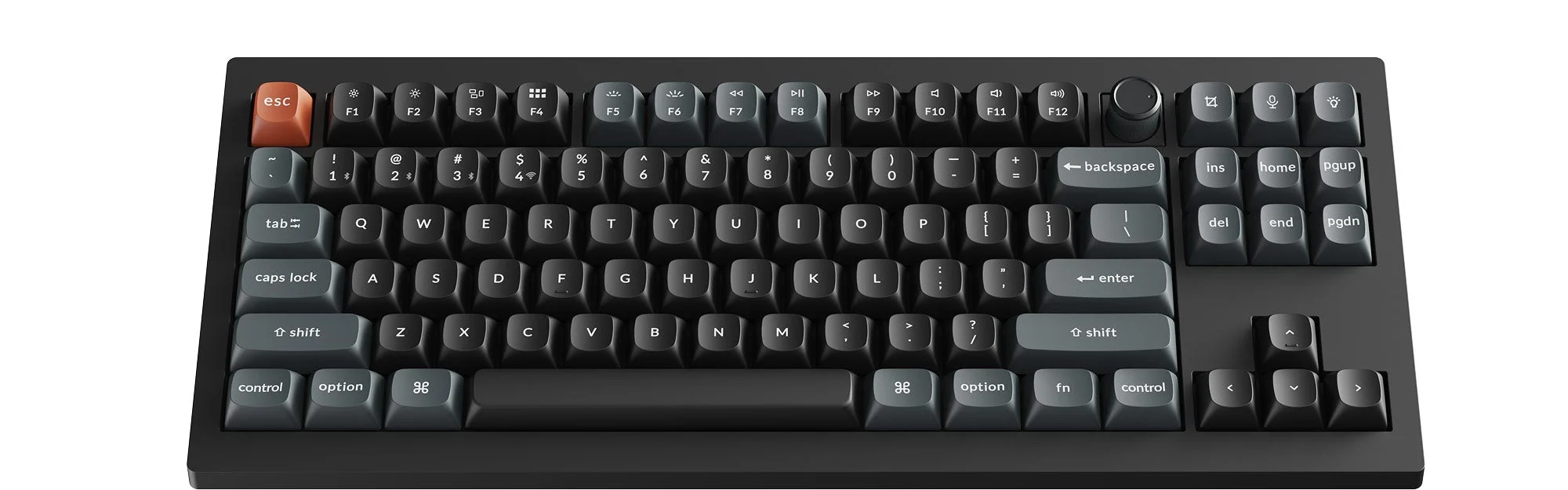
Keyboard and mouse position is where small rooms quietly go wrong, because a shallow desk tempts you to push the keyboard right up against the monitor to make room for other things, which in turn pushes your wrists into a bent, upward angle at the keyboard's back edge. The keyboard and mouse should sit close enough to the desk's front edge that your wrists stay straight and roughly level with your forearms, not bent up to clear a thick keyboard chassis or bent down over the desk's lip. A wrist rest helps, but it's a smaller fix than simply having enough desk depth in front of the keyboard in the first place — which circles back to why reclaiming depth with a monitor arm matters more in a small room than in a big one.
Lighting in a bedroom has two separate jobs that are easy to conflate: enough ambient light that your eyes aren't straining against a dark room lit only by a monitor, and zero direct glare landing on the screen itself. A single overhead bulb often fails both at once — it's dim enough to leave the room eye-strain-dark once blinds are down at night, and positioned to throw a washed-out reflection straight across a glossy panel. The fix that works consistently in a small room is indirect: a monitor light bar mounted on top of the display, angled down and away from the screen's own surface, paired with a warm-white secondary light (a lamp or smart bulb) placed to the side rather than behind or directly above the monitor. Color temperature matters at night specifically — a cooler, bluer light close to bedtime is the same light your body reads as "stay awake," so a light that can dim down to a warm 2700K–3000K in the evening is worth paying for if you're gaming in the same room you sleep in, which in a small bedroom you almost always are.
The Small-Bedroom Constraints and What Actually Solves Them
Desk footprint is the first real fight in a small room, and the format matters more than the size on the spec sheet. A straight desk against the only open wall is the default, but a corner desk — triangular or L-shaped, tucked into the room's actual dead corner — routinely gets you more usable surface than a straight desk of the same linear footprint, because it uses space the room wasn't doing anything with anyway. A wall-mounted floating desk goes a step further: no legs means no footprint on the floor at all below desk height, which matters directly for a bedroom because it leaves the floor clear for a bed frame, a dresser, or just walking space that a legged desk would block. The trade-off is weight capacity and the fact that it has to go into a wall — fine with a stud finder and proper anchors, a real problem in a rental with drywall-only mounting or a lease that bars it, where a legged corner desk is the safer default.
A fold-down desk is the format worth knowing about specifically for rooms doing double duty as a bedroom and nothing else — a desk that folds flat against the wall when not in use reclaims the floor entirely between sessions, which matters if the desk is otherwise eating into the room's only clear walking path. It's a real compromise on stability for anything heavier than a laptop and a monitor, so it's the right call for a lighter, console-leaning setup more than a full tower PC build.
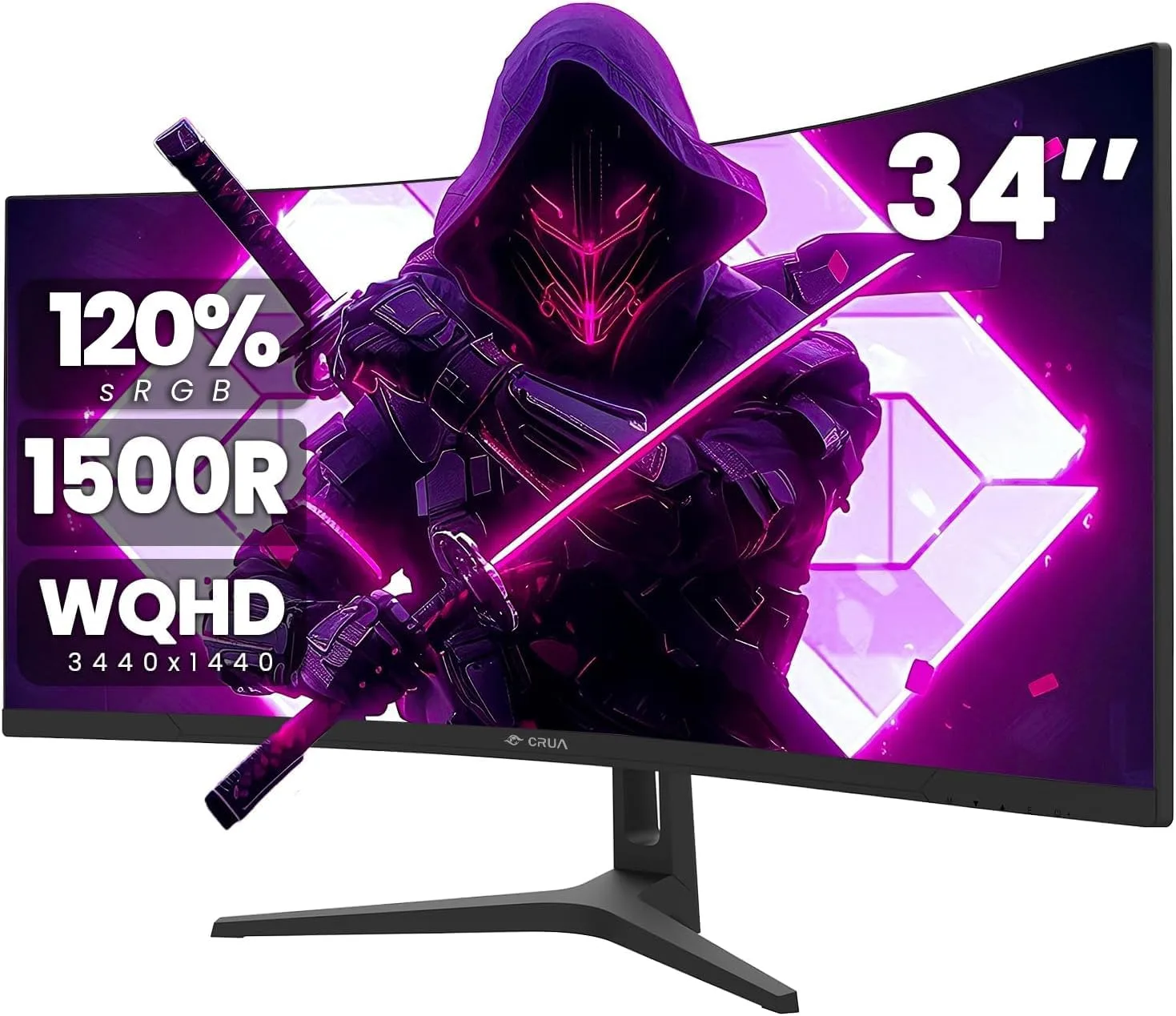
Monitor arms versus stock stands is the single highest-value swap in a small room, and it's worth being specific about why. A monitor's included stand has a footprint — usually 8 to 10 inches of desk depth just for the base — that a clamp-mounted arm removes entirely, since the arm's clamp sits at the desk's back edge instead of taking up surface in front of it. On a 24-inch-deep desk, which is common for compact and corner desks built for small rooms, that's a meaningful fraction of your total usable depth given back for keyboard, mouse, and elbow room. An arm also solves the height problem described above directly — full range of vertical adjustment instead of whatever height the stand happened to ship at — and lets the monitor tilt back out of the way when you're not at the desk, which matters if the desk doubles as anything else in the room. The Ergotron LX Desk Monitor Arm, commonly found between $150 and $220 depending on retailer and sale timing, is the standard recommendation here — it holds up to a 34-inch display, clamps to desks as thin as roughly half an inch, and its gas-spring arm holds height adjustments without drifting, which cheaper off-brand arms are the most common complaint about.
Under-desk cable management earns its keep specifically in a small room because loose cables are both a trip hazard in a tighter walking path and a visible mess in a room with nowhere to hide clutter behind furniture. A basic under-desk cable tray, usually $20 to $40, clips to the underside of the desk and gives power strips and excess cable a place to sit off the floor entirely; a fabric cable sleeve bundles the remaining runs from desk to wall outlet into one manageable line instead of a visible tangle. In a bedroom specifically, it's worth running a single power strip with a physical switch within reach of the bed or desk, so the whole setup — PC, monitor, speakers, lights — can go fully dark at night with one action instead of a row of standby LEDs lighting the room while you're trying to sleep.
Vertical storage is the other lever a small room has that a bigger room doesn't need: wall-mounted shelves above the desk, a pegboard for headset and controller hooks, or a monitor-arm-mounted desk clamp for a headset hanger all move peripherals off the desk surface entirely rather than competing with keyboard and mouse space for the same square footage. This matters more than it sounds like on paper — a desk that's visually and physically cluttered with chargers, controllers, and a headset stand is a desk where your mouse has less room to move, which is a real, measurable gameplay cost in anything that needs fast, wide mouse sweeps.
Noise, Heat, and Shared-Air Considerations
A bedroom is a worse acoustic environment for gaming than most other rooms in the house, for a specific reason: it's small, it's often carpeted and curtained (which actually helps — soft surfaces absorb echo), but it's also the room where sound travels most directly to anyone trying to sleep nearby, including you on a night you're playing later than planned. This is the practical case for a headset over speakers in a shared or thin-walled home — not sound quality, just containment. If speakers are non-negotiable, keeping them off the desk's leading edge and angled away from a shared wall reduces how much carries through, though a headset remains the only real fix for genuinely late-night sessions.
Heat is a smaller problem than people expect from a PC tower alone, but it compounds fast in a small room with the door closed, especially in warmer months or climates without central air reaching the bedroom well. A room under roughly 120–150 square feet with a gaming PC, two monitors, and a closed door will measurably warm up over a long session — not dangerously, but enough to be the actual reason a late-session headache shows up. The fix is unglamorous: crack the door, run a small fan angled away from the setup rather than at it (airflow across the room, not into the PC's intake, which just recirculates the same warm air faster), and keep the PC's own intake away from a wall or furniture that blocks airflow, which matters even more in a tight room where the PC might be wedged against the desk or a wall by necessity rather than choice.
Shared air also means shared allergens and dust in a bedroom more than almost any other room — bedding sheds fiber and dust constantly, and a PC's intake fans will pull in more of it in a bedroom than they would in a dedicated office. This isn't a reason to avoid gaming in a bedroom, it's a reason to actually clean dust filters on a PC or console on a real schedule rather than only noticing when fan noise climbs — a problem that shows up faster in a bedroom setup than in almost any other room in the house.
A Practical Layout Checklist
Walk the room with these in order, not all at once:
- Find the dead corner first. Most small bedrooms have one corner that isn't doing anything — not against the bed, not blocking the closet or door swing. That's almost always the right desk location before you shop for furniture, because it decides whether you need a straight desk, a corner desk, or a wall-mounted unit.
- Measure desk depth against your monitor plan. If you're going to run the monitor on its stock stand, you need more desk depth than if you're clamping a monitor arm to the back edge — decide this before buying the desk, not after.
- Set chair height to your feet and elbows, then adjust the desk or monitor to match — not the other way around. Chair-first avoids the single most common ergonomic mistake in a small room, which is building the whole layout around whatever desk height was available rather than your own body.
- Mount the monitor so its top third sits at eye level, 20–28 inches away, before worrying about anything else in the room.
- Route power and cables before you push the desk against the wall. Under-desk trays and wall anchors are far easier to install with the desk pulled out six inches than wedged flush against the wall afterward.
- Add light from the side, not behind or above the monitor, and check for glare at night with the overhead light off — that's the condition the setup will actually run in most often.
- Move everything that isn't keyboard, mouse, or monitor off the desk surface — headset, controller, drinks — onto a wall hook, shelf, or arm-mounted clamp. This is the cheapest fix in the whole guide and the one most small-room setups skip.
- Crack the door and check airflow on a long session before assuming heat isn't a factor — it usually is, more than expected, in anything under about 150 square feet.
None of this requires the biggest room in the house. It requires treating the room's actual limits — depth, wall space, shared air, a neighbor's sleep — as design constraints to solve around rather than problems to apologize for, and most of the solutions above cost less than one mid-range peripheral.

Lee covers PC setup and optimization for Gamingonix, translating requirements and settings into what actually changes your performance.