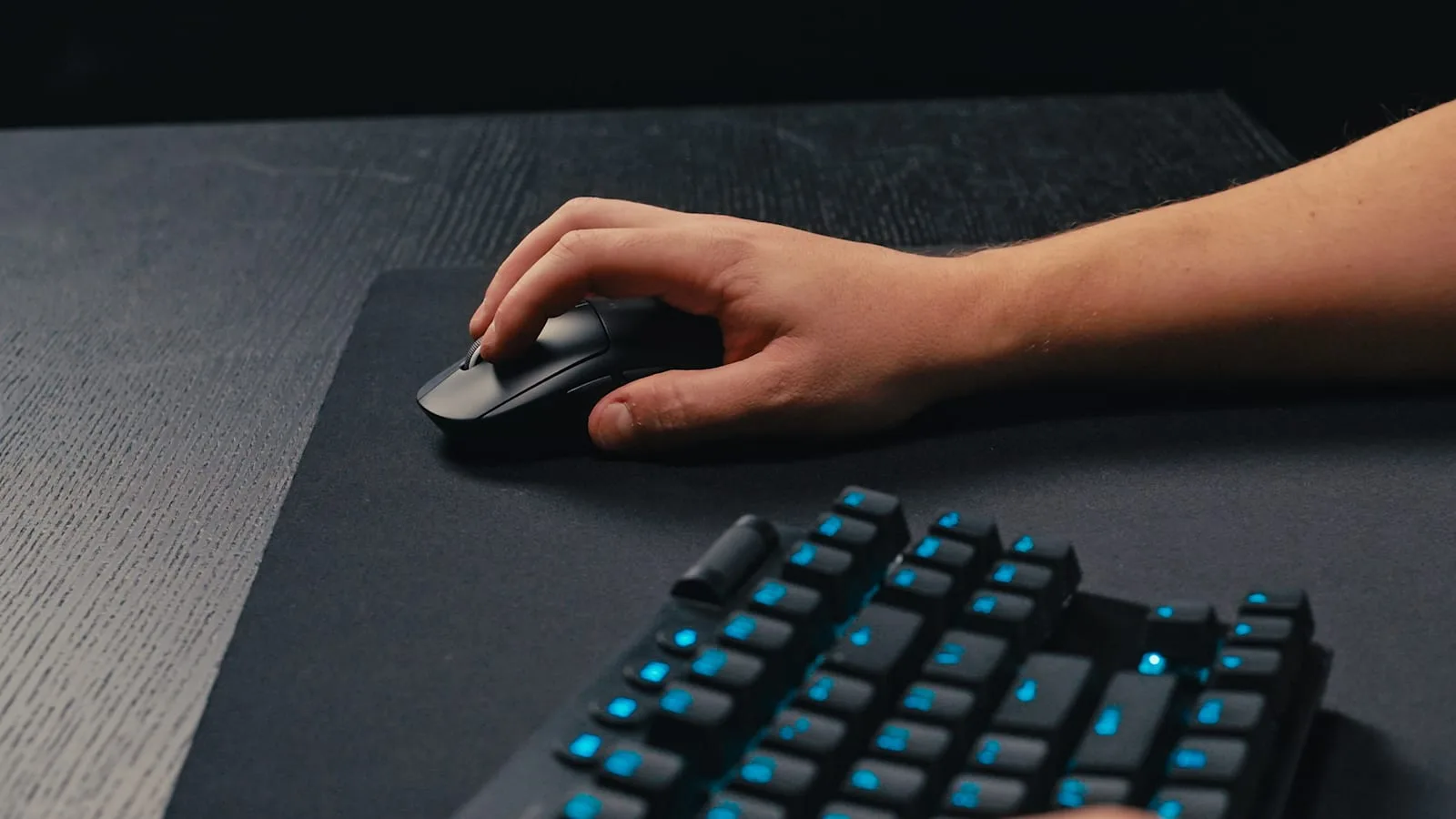



Minecraft never demands a peripheral upgrade the way a competitive shooter does — you can play it fine on a decade-old office keyboard and a mouse that shipped free with a prebuilt. But "fine" and "not fighting your own gear" are different standards, and the moment you're doing anything more specific than casual survival — technical redstone builds that need repeatable precision, a crystal-PvP or sword-PvP server where trades are won on a single input, or just eight-hour building sessions where a bad wrist angle actually matters — the right keyboard and mouse stop being a luxury and start being the thing standing between you and the result you're going for. None of what follows requires spending like you're building an esports rig. It requires knowing which two or three specs are actually doing work for Minecraft specifically, because most of a gaming peripheral's marketing copy isn't aimed at this game at all.
Quick Picks
| Tier | Mouse | Keyboard |
|---|---|---|
| Budget | Logitech G305 LIGHTSPEED (~$40) | Keychron C3 Pro (~$45) |
| Mid-Range | HyperX Pulsefire Haste 2 (~$60) | Keychron V3 Ultra TKL (~$115) |
| Premium / PvP | Logitech G Pro X Superlight 2 (~$160) | Wooting 80HE (~$200) |
Nobody needs to buy straight down the premium column to play Minecraft well — most players land somewhere between budget and mid-range and are fully served by it. The premium tier exists specifically for players on PvP-heavy servers or technical redstone projects where the extra precision and rollover actually get used, not as a default recommendation.
What Building Precision Actually Asks of a Mouse
Block placement accuracy in Minecraft isn't a raw-DPI problem — it's a consistency problem. What matters for freehand building, symmetric pixel art, and especially repeatable redstone alignment is a sensor with zero acceleration and no smoothing across its whole DPI range, so that the same physical mouse movement produces the same in-game result every single time. Cheap unbranded mice frequently apply invisible smoothing or acceleration curves that make a slow, careful movement behave inconsistently from one attempt to the next — invisible during normal browsing, very visible when you're trying to place the same three blocks in exactly the same relative spot twenty times in a row. The Logitech G Pro X Superlight 2 is the clean high end of this: a HERO 2 sensor with a flat response curve up to 44,000 DPI and 8kHz polling, in a 60g shell light enough that hours of freehand building don't turn into wrist fatigue. You don't need anywhere near that DPI ceiling for Minecraft — the point is the sensor never lies to you, not the number on the box.
Budget options handle this fine too. The Logitech G305 LIGHTSPEED uses the same HERO sensor family in a heavier, AA-powered 99g body, tracks cleanly from 200 to 12,000 DPI with zero smoothing, and runs up to 250 hours on a single battery — which matters more than it sounds for long survival or building sessions where you don't want to think about charging. The SteelSeries Rival 3 is the cheapest mouse worth taking seriously here: its TrueMove Core sensor covers 100 to 8,500 CPI cleanly for around $20-30, which is more than enough headroom for anything Minecraft's block grid actually needs.
PvP Combat Is a Clicking and Switch-Quality Problem
Sword and crystal PvP servers put a different kind of load on a mouse than building does: sustained, repeated clicking under time pressure, where a mis-registered click during a trade is the difference between winning and dying. This is where switch quality and click latency matter more than sensor specs. The HyperX Pulsefire Haste 2 is built around exactly this — a 52g wired shell, an 8,000Hz polling rate, and primary switches rated for 100 million clicks, all at roughly $60. Lighter weight reduces the physical effort of rapid, repeated clicking over a long PvP session, which is a fatigue problem more than a skill one; a mouse that feels fine for twenty minutes can start costing you trades by hour three.
It's worth being honest about where the gains stop, too: Minecraft's netcode and hit registration aren't tuned to reward millisecond-level input differences the way a tactical shooter's are, so an 8kHz polling mouse isn't giving you a measurable edge over a 1,000Hz one in the way it would in Valorant. The real, provable advantage on PvP servers is a lighter mouse and a switch that doesn't double-click or drop inputs under sustained use — that's a reliability win, not a reflex win, and it's the one actually worth paying for.
Keyboards: Rollover Is the Spec That Actually Matters Here
The single most underrated spec for a Minecraft keyboard is N-key rollover (NKRO) or at least solid anti-ghosting on the WASD-plus-modifiers cluster, and it's a genuine gameplay advantage, not a comfort feature. Crystal PvP and sword combat regularly demand holding W, Shift, Space, and a number key simultaneously — sprint-jumping into a hit while swapping to a different crystal or sword mid-fight — and a cheap membrane keyboard without full rollover on that exact key combination will silently eat one of those inputs. You won't get an error message; you'll just not jump, or not swap, at the worst possible moment. Every keyboard in the picks above — the Keychron C3 Pro, Keychron V3 Ultra TKL, and Wooting 80HE — handles full rollover on standard gaming key clusters without this problem, which is most of why they're on this list over a cheap membrane board in the first place.
The Keychron C3 Pro is the value pick: a hot-swappable, gasket-mounted TKL board around $45 that lets you swap switches later without soldering, which matters if you decide down the line that a lighter switch suits fast clicking better than what it ships with. The Keychron V3 Ultra TKL steps up to an 8,000Hz polling rate over both wireless and wired connections, pre-lubed hot-swappable switches, and roughly 660 hours of battery life on 2.4GHz — genuinely long enough that battery anxiety isn't a reason to stay wired.
Rapid Trigger and Hall-Effect Switches: A Real Edge on the Right Server, Overkill Elsewhere
The Wooting 80HE is a Hall-effect keyboard with adjustable actuation points from 0.1mm to 4mm and rapid trigger, which resets a key the instant it starts moving back up rather than waiting for a full release. On a PvP server that rewards fast W-tapping, jump-resetting, and rapid crystal placement, a lower actuation point genuinely registers those inputs a few milliseconds sooner than a standard mechanical switch bottoming out, and rapid trigger specifically speeds up any sequence where you're tapping the same key repeatedly in quick succession. This is a real, if narrow, competitive edge — the same category of feature that's become standard in competitive shooter keyboards — and at roughly $200 it's priced like the niche tool it is. For vanilla survival, casual building, or even most PvE-focused multiplayer, it's genuinely not buying you anything a $45 hot-swap board doesn't already cover; save it specifically for a PvP-heavy server where you already know the difference matters to your playstyle.
Switch Feel: Linear vs. Tactile Isn't a Big Deal Here, But Bottom-Out Force Is
Minecraft doesn't ask enough of a keyboard's tactile feedback for the linear-versus-tactile debate to matter much — pick whichever feel you personally prefer for typing chat and hotbar commands. What does matter is bottom-out force on whatever key you use most for movement or jumping: a heavier switch under a spacebar you're tapping rapidly during parkour builds or PvP jump-resets tires your thumb out measurably faster over a long session than a lighter linear switch does. If you're hot-swapping a board like the C3 Pro or V3 Ultra anyway, it's worth putting a lighter switch specifically under Space before assuming the stock switch is the right call for how you actually play.
Wired vs. Wireless: Survival Comfort Wins More Often Than Latency Does
For most Minecraft play, wireless is the better default rather than a compromise — the difference in input latency between a good wireless mouse or keyboard and a wired one is small enough that Minecraft's own server tick rate and hit registration swallow it, unlike in a twitch shooter where every millisecond is contested. What wireless genuinely buys you is cable drag-free movement during long building or exploring sessions and one less cord across a desk during marathon survival runs. The one exception is competitive PvP on servers with strict, low-latency expectations, where a wired connection removes even the small, theoretical risk of wireless interference during a close fight — a reasonable precaution for serious PvP players, but not a reason for a casual builder to avoid wireless gear.

Lee covers PC setup and optimization for Gamingonix, translating requirements and settings into what actually changes your performance.