

Minecraft spent seventeen years running on almost anything with a GPU driver, and that reputation is now slightly out of date. Mojang raised Java Edition's official system requirements in mid-2026 for the first time since the game launched, migrating the renderer from OpenGL to Vulkan 1.3 and asking for meaningfully more RAM and a newer CPU than the "any potato" baseline players are used to. None of that makes Minecraft a demanding game by 2026 standards — it's still one of the lightest big titles on the market — but "vanilla survival," "shader-modded survival," and "a 200-mod Fabric pack" are now three different hardware conversations, and treating them as one is how people either overspend on a GPU they didn't need or undersize the RAM they actually did.
System Requirements
| Spec | Minimum (Java, Fast preset, 1080p/30) | Recommended (Java, Fancy preset, 1080p/60) | Shaders / RTX-tier |
|---|---|---|---|
| OS | Windows 10/11 64-bit | Windows 10/11 64-bit | Windows 10/11 64-bit |
| CPU | Intel Core i3-10100 / Ryzen 3 3100 / Apple M1 | Intel Core i5-12400 / Ryzen 5 5600 | Intel Core i7-12700 / Ryzen 7 5800X or better |
| GPU | GeForce GTX 950 / Radeon RX 460 / Arc A310 (Vulkan 1.3, 2GB VRAM) | GeForce RTX 2060 / Radeon RX 5600 XT (6GB VRAM) | GeForce RTX 3070 / Radeon RX 6800 or better, RTX 2060+ for path-traced Bedrock RTX |
| RAM | 8 GB (12 GB if using integrated graphics) | 16 GB | 32 GB recommended for shaders plus heavy modpacks |
| Storage | 1 GB base install | 4+ GB free, SSD | NVMe SSD, 20+ GB free once mods, resource packs and shader caches pile up |
That minimum column is a real cutoff now, not a formality — Java Edition's move to Vulkan means genuinely old graphics hardware without Vulkan 1.3 support won't launch the game at all, regardless of how light the actual rendering load is. If your PC has run Minecraft fine for a decade, check your GPU's Vulkan support before assuming an update won't change anything.
Java's Vulkan Switch Changes the CPU Math
The headline change isn't the GPU floor, it's that Mojang's new renderer is multi-threaded in a way the old OpenGL path never was. Historically, Java Edition was notorious for being single-thread-bound — a fast six-core CPU didn't help much because chunk rendering leaned on one or two cores no matter how many you had. The Vulkan migration spreads that load out, which is why the recommended spec now names a 2020s-era six-core part instead of just "a fast CPU" in the abstract. Practically, this means a mid-range CPU from the last three to four years pairs better with Minecraft now than it did a year ago, and older quad-core chips that used to coast through vanilla worlds are the ones most likely to feel the new baseline.
Shaders Are a GPU Cost, Ray Tracing Is a Different One
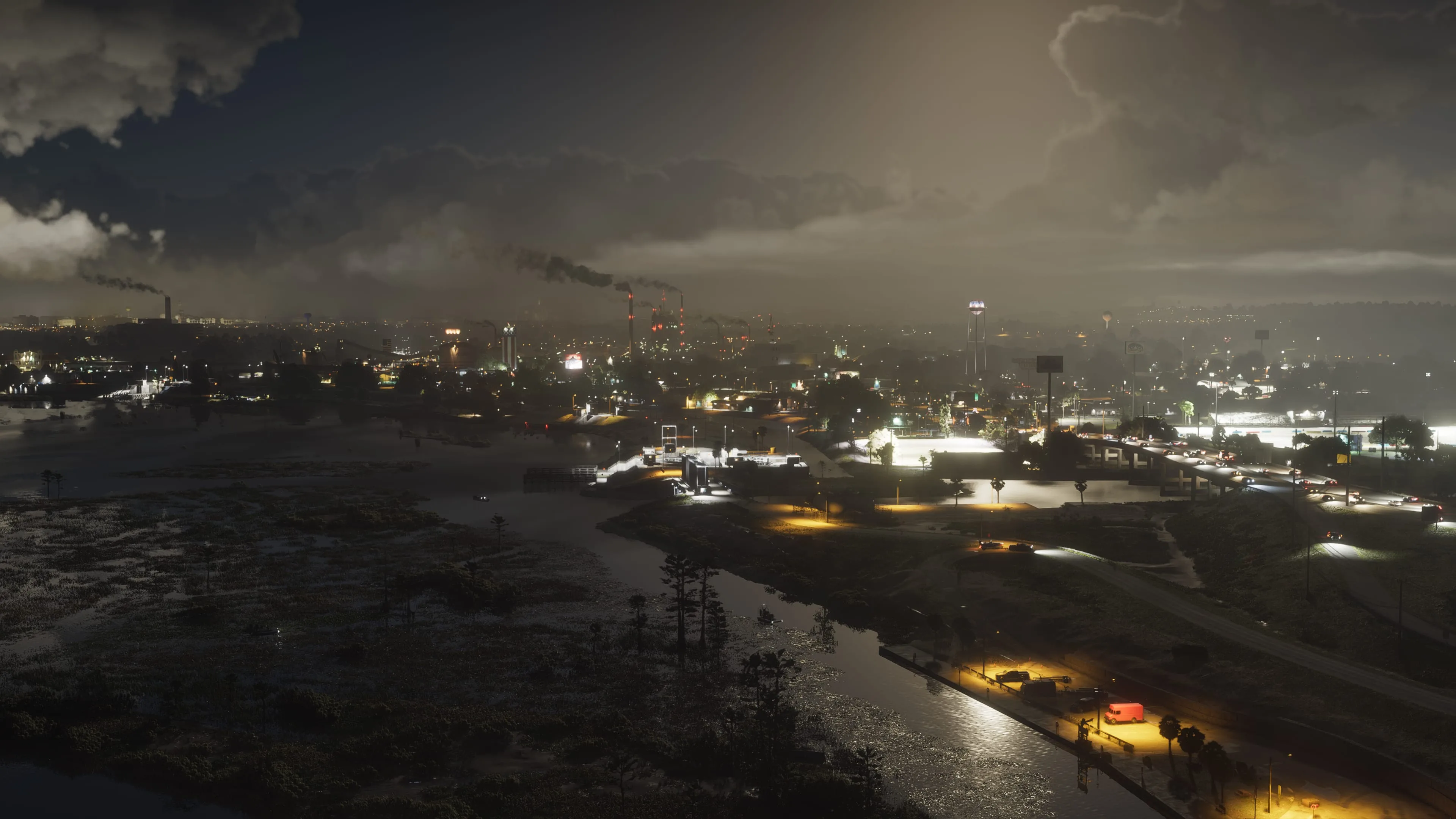
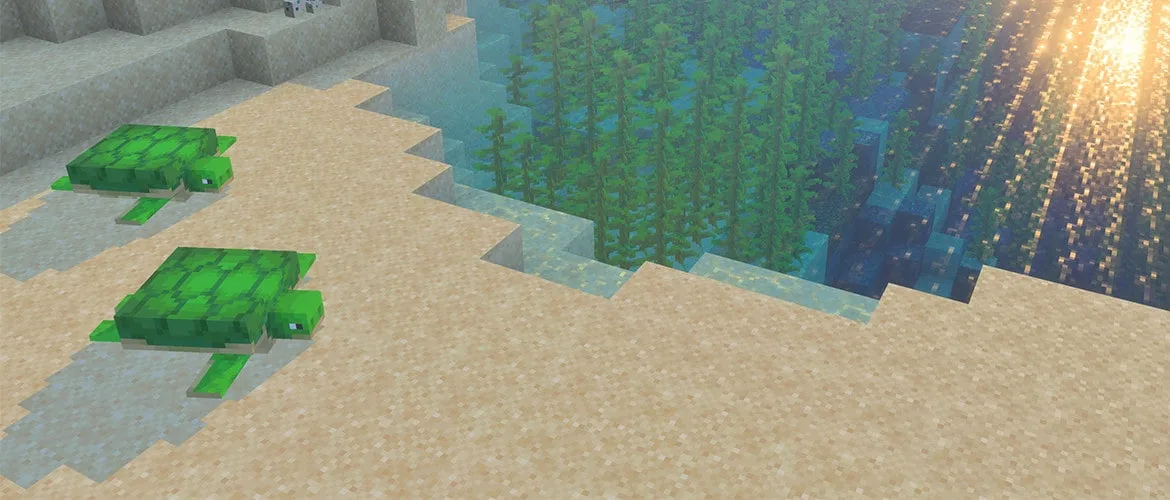
Shader packs (Iris, formerly OptiFine-based) and Bedrock's official RTX path both make Minecraft look dramatically different, but they're not the same feature and they don't cost hardware the same way. Iris shaders on Java are still rasterized — they simulate dynamic lighting, shadows and reflections through clever shader math rather than actual ray tracing, and mid-range cards from the RTX 3060 / RX 6600 class handle popular packs like Complementary or BSL at 1080p without much trouble. Full path-traced RTX on Bedrock is genuinely tracing light rays and needs real ray-tracing hardware — an RTX 2060 or newer, or an RX 6000-series card and up — plus a PBR-authored resource pack to actually feed the lighting engine texture data it can bounce light off of. If you turn RTX on with a standard, non-PBR texture pack, you won't get the effect the settings menu promises; the resource pack matters as much as the GPU does here.
RAM: The Java Heap Is Not "Set and Forget"
Minecraft: Java Edition lets you manually allocate memory (the Xmx value) through the launcher, and more players should actually touch this setting than do. Giving Java too little heap causes stutter and garbage-collection pauses as the game struggles to hold chunk and entity data; giving it too much can paradoxically hurt performance too, since a larger heap means longer (if less frequent) garbage-collection pauses when they do happen. For vanilla or lightly-modded survival, 4–6GB allocated is typically enough; heavily modded packs or shader-heavy setups benefit from 8GB+, but there's rarely a reason to hand Java more than half your system's total RAM. This is a setting most players never open, and it's worth more than most of the graphics menu for anyone running Forge or Fabric.
Modded Minecraft Is a Different Game on Paper
A 150+ mod Fabric or Forge pack — the kind built around All the Mods, RLCraft-style progression packs, or a heavily-customized tech/magic pack — pushes CPU load well past what the vanilla spec sheet implies, because every mod adds tick-processing overhead independent of what's on screen. This is a CPU and RAM story more than a GPU one: a strong six-core-or-better CPU and 16–32GB of system RAM matter more to a heavy modpack's frame time than the graphics card does, and an underpowered CPU will bottleneck a modded server even on a high-end GPU. If you're building or upgrading a PC specifically to run heavy modpacks, prioritize that CPU and RAM budget before chasing a bigger GPU tier — the mods you're adding are mostly asking the processor to do more work, not the graphics card.
Storage: Chunk Streaming and Shader Compilation Both Want an SSD
Minecraft's install size is tiny by modern standards, but that number undersells how much storage speed affects the actual experience once you're playing seriously. Large explored worlds, especially ones with mods adding new dimensions, structures or biomes, stream chunk data continuously as you move — on a mechanical drive this shows up as visible chunk pop-in and stutter that no graphics setting fixes, because it's an I/O bottleneck, not a rendering one. Shader packs add a second reason: the first time you load a world with a new shader pack, or after a driver update, the game compiles shader code and can stutter noticeably, an effect that's worse and lasts longer on slower storage. An NVMe SSD is the single most underrated upgrade for anyone running large modded worlds or shader packs — more so than the next GPU tier up.
Render Distance and Simulation Distance Are Gameplay Settings, Not Just Performance Ones
It's worth being explicit about this because Minecraft's settings menu doesn't flag it: Render Distance isn't purely a frame-rate slider. On multiplayer servers, especially PvP-focused ones, a higher render distance means spotting another player, a base, or an approaching mob earlier than someone running a lower setting — the same category of trade-off as draw distance in a shooter. Simulation Distance is the companion setting that's easy to undervalue: it controls how far from you the game actually ticks mobs, redstone, and crop growth, not just how far you can see them. A farm or redstone build sitting just outside your simulation distance simply stops functioning, which has bitten more players building at range than most tutorials mention. If you're optimizing for frame rate, drop Render Distance before Simulation Distance — losing sight of distant terrain costs you less than a farm silently going idle.
The Settings Actually Worth Touching First
Smooth Lighting and Clouds are cheap to leave on — the visual return is disproportionate to their real GPU cost, so they're not where your frame-rate budget should go. Particles and Entity Distance are the better first cuts on lower-end hardware: dropping Particles from All to Decreased or Minimal meaningfully reduces load in busy Nether or dense-mob situations without changing how the world looks when it's calm, and Entity Distance trims how far away mobs and item entities get simulated in detail, which matters most in builds with animal farms or mob grinders. Fog is a genuine trade-off rather than a free win — it can hide pop-in at your render distance's edge, so turning it fully off sometimes reveals more terrain-loading roughness than it removes, particularly at lower render distances.

Lee covers PC setup and optimization for Gamingonix, translating requirements and settings into what actually changes your performance.