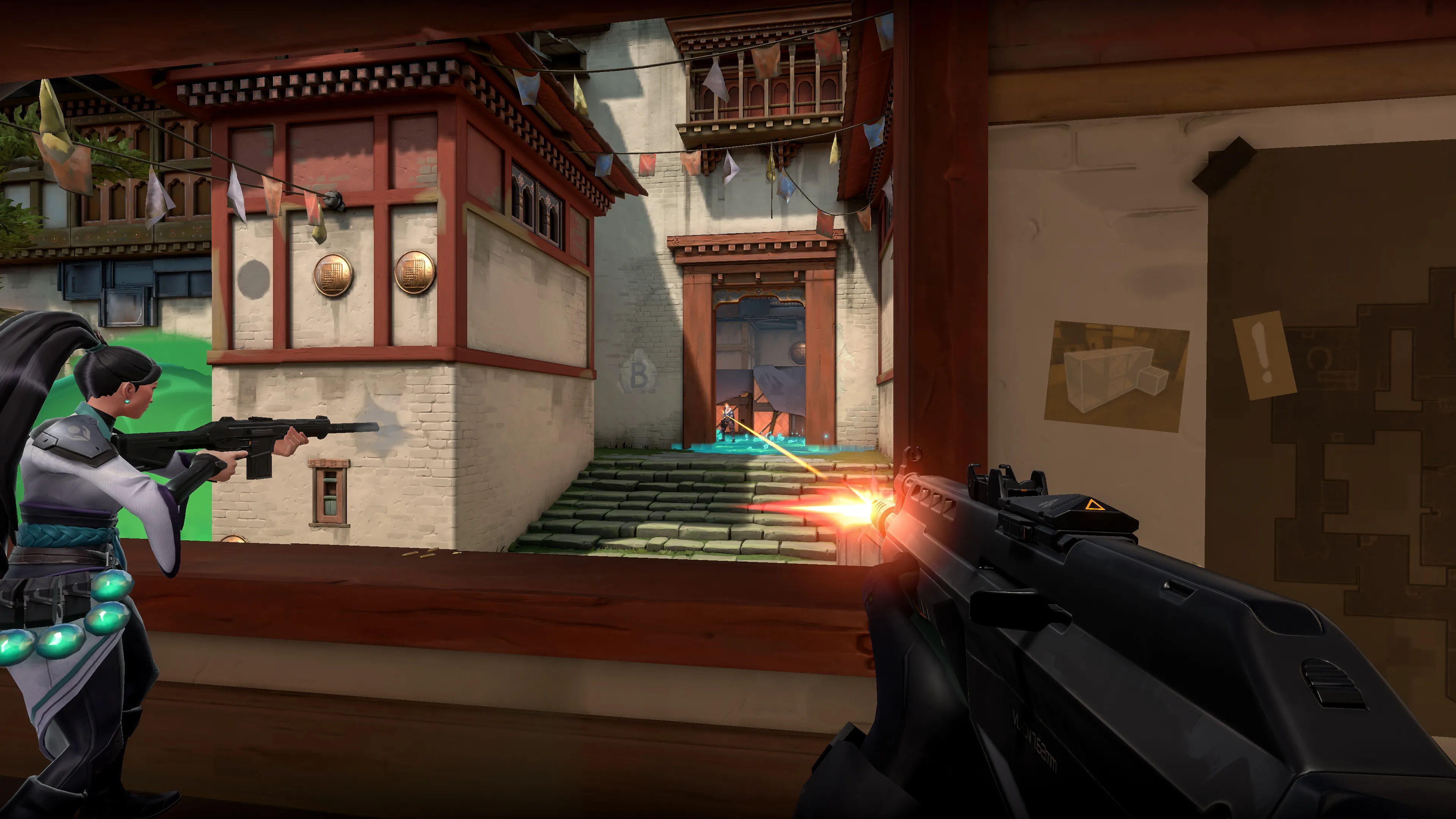

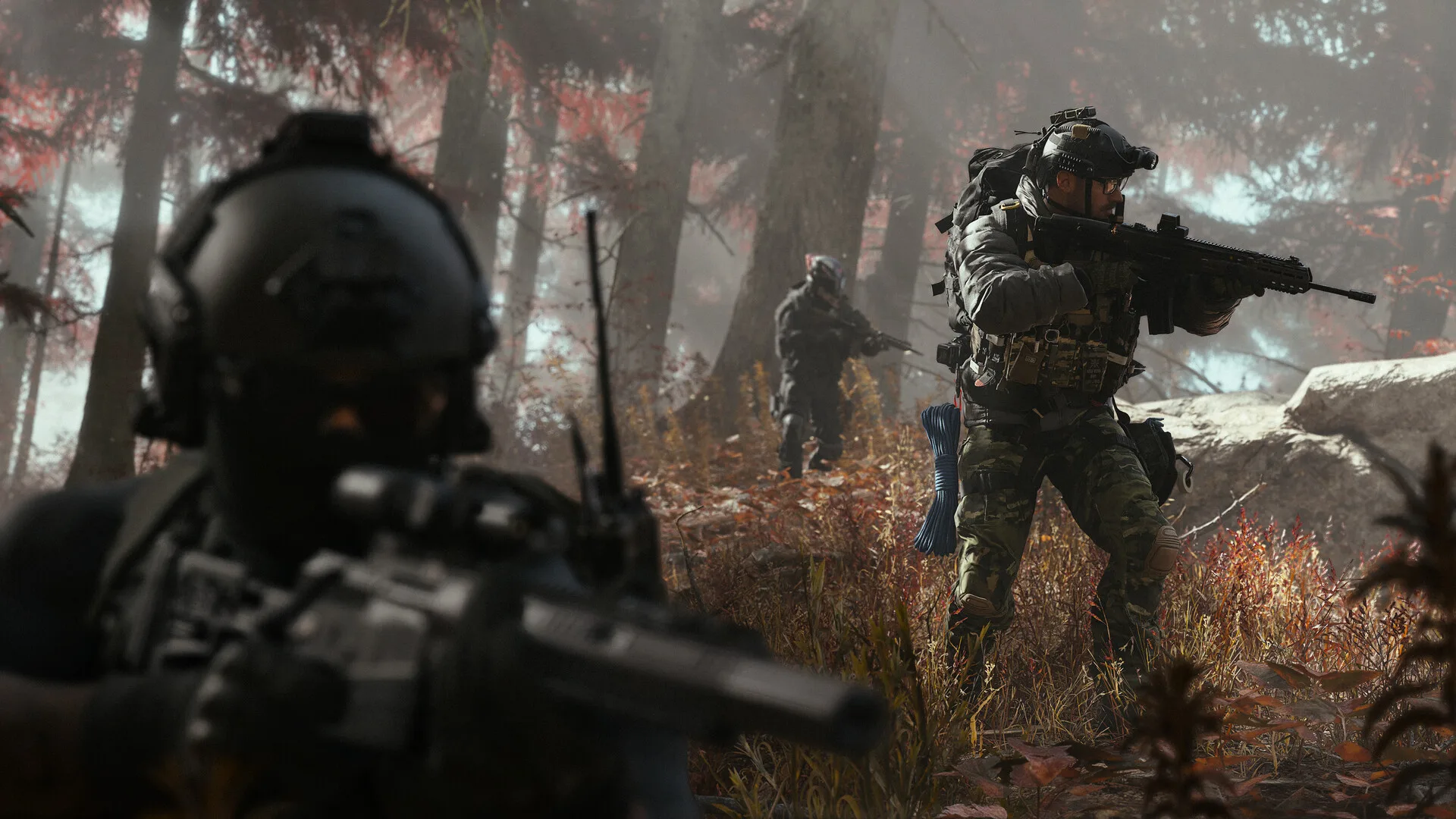

"Best gaming setup" articles usually dodge the one question that actually matters: best at running what, at what settings, for how much money right now? This one doesn't dodge it. Every tier below is a complete parts list — CPU, GPU, RAM, storage, PSU, case, monitor, not just "get a good graphics card" — and every tier is benchmarked against a single real target: Call of Duty: Modern Warfare 4, which launched October 23 with a full, official PC spec sheet and genuine ray-traced global illumination, reflections, shadows and ambient occlusion, not a marketing slide. That makes it one of the few current releases you can actually build against with confirmed numbers instead of guesswork. The builds below will run plenty else well too — this isn't a one-game PC — but Modern Warfare 4 is the yardstick throughout, because it's the yardstick that's real.
Modern Warfare 4's Official PC Requirements
| Spec | Minimum | Recommended | Ultra (4K, Ray Tracing) |
|---|---|---|---|
| OS | Windows 10 64-bit | Windows 11 64-bit | Windows 11 64-bit |
| CPU | AMD Ryzen 5 1400 / Intel Core i5-6600 | AMD Ryzen 5 3600 / Intel Core i7-8700K | AMD Ryzen 7 3700X / Intel Core i7-10700K |
| GPU | GeForce GTX 970/1060, Radeon RX 470, Arc A580 (3GB VRAM) | GeForce RTX 3060 Ti, Radeon RX 6600 XT, Arc B580 (8GB VRAM) | Radeon RX 9070 XT, GeForce RTX 5070 Ti |
| RAM | 8 GB | 16 GB | 32 GB |
| Storage | 115 GB, SSD required | 115 GB, SSD required | 115 GB, NVMe SSD |
| Security | — | TPM 2.0 and Secure Boot required | TPM 2.0 and Secure Boot required |
Activision pegs the Recommended tier at 90fps in multiplayer on High settings, and our own benchmarking in Gamingonix's Modern Warfare 4 review backs that up from the other direction: most current GPUs clear 60fps at 1080p and 1440p on Extreme settings without ray tracing, and the top tier of cards holds a steady 60fps at native 4K. Notice that the Ultra tier names actual current GPUs — the RX 9070 XT and RTX 5070 Ti — rather than a vague "high-end card" placeholder. That's the anchor for the enthusiast build further down.
The Market You're Actually Buying Into Right Now
Every price quoted below is a real October 2026 street price, and none of them are what they would have been a year ago. A DRAM shortage driven by AI datacenter demand has pushed a 32GB DDR5-6000 kit that cost $100–$200 in October 2025 to $400–$480 today — a kit that used to be the easy, don't-think-about-it line item in any build is now one of the single biggest costs in this guide. GPU pricing tells the same story from a different angle: a Radeon RX 9070 XT with a $599 MSRP is selling for roughly $790–$800, an RTX 5070 ($549 MSRP) is running $800–$880, and the RTX 5090 — which would otherwise be the obvious high-end pick — has become genuinely irrational, trading anywhere from $5,000 to over $8,000 depending on the day and retailer. None of that is a typo or a regional outlier; it's the actual market, and it's why every budget tier below runs noticeably higher in practice than the same tier would have a year ago. Build to the real number, not the number a tier name implies.
Budget Build — "$800–$1,000" on Paper, Closer to $1,250 Today
- CPU: AMD Ryzen 5 7500F (~$155). Six real Zen 4 cores with no integrated GPU, which doesn't matter here since you're running a discrete card — it clears Modern Warfare 4's Recommended CPU tier (Ryzen 5 3600) with real headroom.
- Motherboard: A basic B650 board, e.g. MSI B650 Gaming Plus WiFi-class (~$140). DDR5 and PCIe 4.0 support is all you need at this tier.
- GPU: GeForce RTX 5060 8GB (~$420–$460 street, $299 MSRP). This card alone exceeds Modern Warfare 4's Recommended GPU tier (RTX 3060 Ti). The honest caveat is VRAM: 8GB is enough for 1080p and most of 1440p at High settings, but it's tight for sustained ray tracing, which leans on extra VRAM for the BVH data structures RT reflections and GI need to build each frame.
- RAM: 16GB (2x8GB) DDR5-6000 (~$120–$150). This is the one place the DRAM shortage forces a real trade-off: a year ago, 32GB was the obvious budget-tier choice; today, 16GB — which still matches Modern Warfare 4's own Recommended RAM figure exactly — is what the math actually supports at this price point.
- Storage: 1TB Gen4 NVMe SSD (~$150). Modern Warfare 4 alone needs 115GB; a 1TB drive leaves room for it plus a handful of other installs before you're shopping for a second drive.
- PSU: 650W 80+ Bronze (~$65–$70). An RTX 5060 doesn't need more than this.
- Case: A mesh-front mid-tower with at least two intake fans, e.g. Montech TG3-class (~$60).
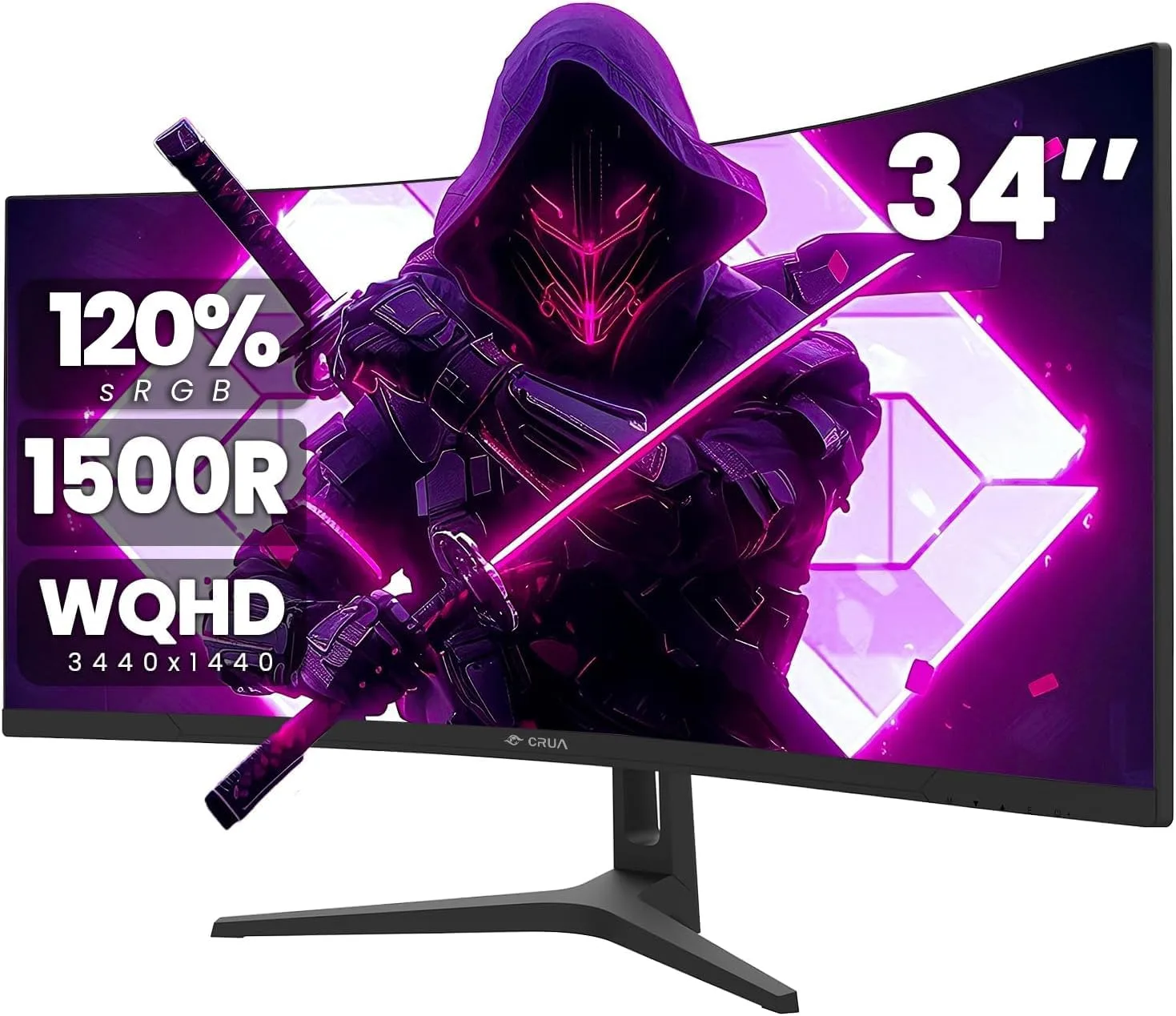
- Monitor: A 1440p 165Hz panel at the low end of that bracket, e.g. a budget 27-inch curved VA panel (~$130). Skip 1080p here — 1440p panels have gotten cheap enough that there's no real reason to buy a lower-resolution screen to pair with a GPU this capable.
What this gets you in Modern Warfare 4: comfortably past Recommended, landing you well above the 90fps/High benchmark at 1080p, with 1440p High holding a stable 100+ fps in multiplayer. Ray tracing is available but not the point of this build — leave it off or on its lowest setting and spend the frame budget on resolution and target clarity instead.
Mid-Range Build — "$1,500–$1,800" on Paper, Closer to $2,300 Today
- CPU: AMD Ryzen 5 7600 (~$210). Six cores at higher clocks than the 7500F, with enough headroom that the CPU won't be the limiting factor against this GPU tier.
- Motherboard: A better-featured B650, e.g. Gigabyte B650 AORUS Elite AX-class (~$170). Buys cleaner power delivery and Wi-Fi 6E.
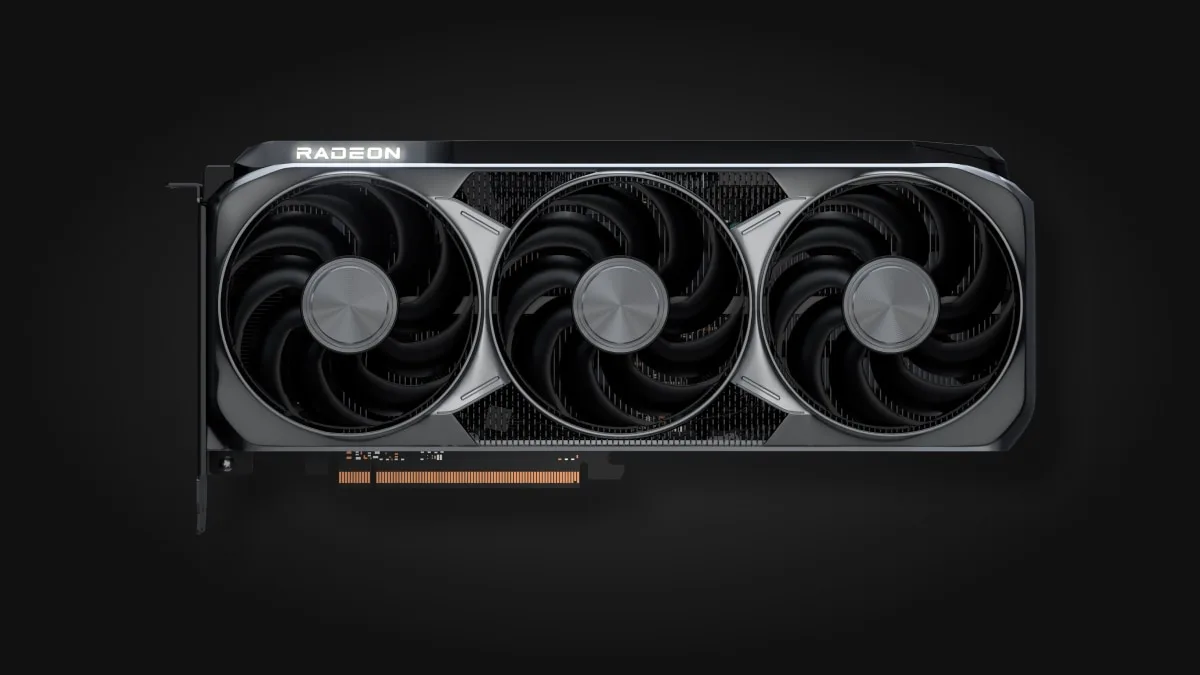
- GPU: Radeon RX 9070 XT 16GB (~$790–$800 street, $599 MSRP). This is the one piece of this whole guide that ties directly back to Modern Warfare 4's own spec sheet — it's one of the two cards Activision names for the Ultra 4K ray tracing tier, at mid-range pricing rather than flagship pricing, because AMD's RDNA 4 generation has aged into the better value proposition against Nvidia's current street prices.
- RAM: 32GB (2x16GB) DDR5-6000 (~$440–$460). Expensive right now for what it used to cost, but 32GB is still the right call at this tier — it's double Modern Warfare 4's own Recommended figure and keeps you comfortable in anything else you're running alongside it.
- Storage: 2TB Gen4 NVMe SSD (~$300–$320). Worth the jump from 1TB once you're installing more than one or two current-gen titles at a time.
- PSU: 750W 80+ Gold (~$90–$100).
- Case: A proper airflow case, e.g. NZXT H5 Flow-class (~$80).
- Monitor: A quality 1440p 165Hz IPS panel, e.g. Gigabyte M27Q-class (~$230–$250). This is the resolution/refresh combo this GPU is actually built to drive.
What this gets you in Modern Warfare 4: Extreme settings at 1440p with ray tracing on, not just available — the RX 9070 XT is the card Infinity Ward's own Ultra tier names for this exact job. Expect frame rates comfortably above 100fps at 1440p Extreme with ray traced shadows and reflections enabled, with 4K remaining viable using DLSS/FSR upscaling rather than native rendering.
High-End / Enthusiast Build — "$2,500+" on Paper, Realistically $3,700+ Today
- CPU: AMD Ryzen 7 9800X3D (~$430–$445). The extra 3D V-Cache consistently shows the largest real-world gains in exactly the kind of fast, CPU-sensitive multiplayer shooter Modern Warfare 4 is — this is the chip to build the rest of this tier around.
- Motherboard: An X870 board (~$280–$350) for the extra PCIe lanes and power delivery headroom this CPU and GPU pairing deserves.
- GPU: GeForce RTX 5070 Ti (~$1,100–$1,250 street, $749 MSRP). This is the other card Modern Warfare 4's own spec sheet names for its Ultra 4K ray tracing tier — the direct, confirmed target for this build, not a guess about what "high-end" should mean.
- RAM: 32GB DDR5-6000 CL30 (~$450–$480). Tighter timings help the 9800X3D's cache-heavy architecture more than most builds; capacity past 32GB isn't justified by anything Modern Warfare 4 or most current games actually ask for.
- Storage: 2TB Gen4 or Gen5 NVMe SSD (~$350–$400). Gen5 read speeds aren't required by anything on the market yet, but they're a safe, future-facing over-spec at this budget.
- PSU: 850W 80+ Gold (~$140–$150).
- Case/cooling: A case with strong airflow and a 280mm-or-larger AIO cooler (~$250–$300 combined) to keep the 9800X3D's boost clocks sustained under load.
- Monitor: A 32-inch 4K 240Hz QD-OLED panel, e.g. MSI MAG 321UPX-class (~$715–$800). OLED's per-pixel response time is the real upgrade here over a fast IPS panel — motion clarity at high refresh, not just a bigger number on the box.
A note on the RTX 5090: at $5,000–$8,000+ in today's market against a $1,999 MSRP, it is not a sane upgrade over the 5070 Ti for anyone, including enthusiasts, until that pricing normalizes. The 5070 Ti is also the card Infinity Ward's own Ultra tier names — buying the 5090 right now buys you a bigger number, not meaningfully more of what this specific game is built to show you.
What this gets you in Modern Warfare 4: native 4K at Ultra settings with ray traced global illumination, reflections, shadows and ambient occlusion all enabled, holding the steady 60fps+ our review's benchmarking found at the top end of the hardware range — with DLSS or FSR in Quality mode comfortably pushing well past that if you'd rather chase higher refresh than native resolution.
The PC Setting Modern Warfare 4 Doesn't Explain Itself
Our review flagged this and it's worth repeating here because it belongs in a hardware guide, not a review: Modern Warfare 4 has a real CPU-side stutter problem during campaign streaming on weaker chips, caused by the game oversubscribing every logical thread it can see rather than sticking to physical cores. The fix is a manual one — cap the RendererWorkerCount value in the game's config to match your CPU's physical core count rather than its thread count (so 6 on a 6-core/12-thread chip like the Ryzen 5 7500F or 7600, 8 on an 8-core/16-thread chip like the 9800X3D). This matters most on the budget and mid-range builds above; the extra cache and clock speed on the 9800X3D mask the issue more than smaller chips do, but it's worth setting correctly on every tier rather than assuming it away.
Graphics Settings Worth Actually Touching
Ray tracing (Global Illumination, Reflections, Shadows, Ambient Occlusion) are the headline additions, and they're genuinely worth running if your GPU has the VRAM for it — but they're also where VRAM, not just raw shader power, becomes the real limit. On the budget build's 8GB RTX 5060, expect to pick one or two RT settings rather than all four; on the 16GB RX 9070 XT or RTX 5070 Ti, running all four at once stops being a compromise. Ray-traced reflections carry a small, genuine gameplay dimension worth knowing about too: in multiplayer maps with glass, water or polished metal, a reflection can expose an enemy's position a half-second before you'd otherwise see them directly — it's a minor edge, but it's real, and it's one more reason the mid-range and high-end builds above are worth the extra ray tracing headroom over the budget tier.
Render Resolution should stay at 100% before you reach for DLSS or FSR — dropping it directly costs you the ability to read a distant target's silhouette, which matters more in a slower, more grounded shooter like this one than it did in Call of Duty's faster recent entries. If you need the frame rate back, DLSS/FSR Quality mode recovers most of it with far less of that visibility cost than a flat resolution cut.
Field of View is the clearest example in this game of a setting that's a gameplay trade-off dressed up as a visual one. A wider FOV shows more of the battlefield at the edges of your screen — genuinely useful for spotting flanks — at a real but usually small frame rate cost, since the GPU is rendering more of the scene per frame. It's worth turning up a notch from default if your build has frame rate to spare, and it's not purely cosmetic the way motion blur or film grain are.
Texture Resolution and Texture Filtering are cheap on any card with 8GB of VRAM or more and expensive to run low — they cost memory more than they cost frame rate, so there's rarely a reason to drop them unless you're genuinely VRAM-limited on the budget build's RTX 5060.
Motion Blur, Film Grain, and Depth of Field are the three settings worth turning off on every single tier in this guide, budget through enthusiast. None of them help you see a target more clearly, all three cost some frame time, and motion blur in particular blurs exactly the kind of fast peripheral movement — a player strafing into your view — you need to read quickly in a shooter.
Matching the Monitor to the Build
The monitor isn't a separate decision from the GPU tier — it's part of it. A 1440p 165Hz panel on the budget build is the correct pairing because the RTX 5060 genuinely can't sustain much past that resolution and refresh combination at the settings worth running; buying a 4K panel for that build would mean either running well below its native resolution or chasing a frame rate the GPU can't hold. The mid-range build's RX 9070 XT is built specifically to drive that same 1440p panel at a noticeably higher and more consistent frame rate with ray tracing switched on, which is the actual upgrade a mid-range monitor buyer is paying for. Only the enthusiast tier's RTX 5070 Ti and 9800X3D combination genuinely earns a 4K panel, and even then, OLED's response time is doing real work — a fast IPS panel at the same resolution and refresh rate will still look comparatively smeared in motion by comparison.
Controller vs. Mouse and Keyboard
Modern Warfare 4 supports both natively on PC, including cross-play aim-assist parity settings for controller users in matches against mouse-and-keyboard players. The practical trade-off hasn't changed from previous entries: mouse and keyboard gives more precise, lower-latency aim for competitive multiplayer, especially at the higher frame rates the mid-range and high-end builds above can sustain, while a controller remains the more comfortable option for casual play or for players already used to its input curve from console. None of the three builds above change that calculus — it's a preference decision, not a hardware one, and nothing about this game's control scheme pushes harder toward one than the other the way, say, a driving-heavy open-world game would.
Bottom Line
The honest throughline across all three builds is that 2026's hardware market is actively working against anyone trying to build cheap right now — RAM and GPU prices are both elevated well beyond their own MSRPs, and that's reflected in real totals above that run higher than the tier names suggest. What doesn't change is the benchmark: Modern Warfare 4 is one of the rare current releases with a real, official spec sheet to build against, and every tier here clears its stated Recommended or Ultra target with margin, not by luck. Buy the budget build if you want comfortably more than Recommended at 1080p/1440p, the mid-range build if you want the exact hardware Infinity Ward itself names for Ultra ray tracing at a mid-range price, and the enthusiast build if you want that same official Ultra tier running at native 4K — and skip the RTX 5090 until its pricing comes back down to something resembling sane.

Lee covers PC setup and optimization for Gamingonix, translating requirements and settings into what actually changes your performance.