

Rockstar has not announced a PC version of GTA 6, has not published a resolution figure, and — per reporting on comments from Rockstar North co-director Rob Nelson during a July preview event — the game is currently targeting 30fps on PS5 and Xbox Series X|S with no performance mode confirmed. That single fact reshapes almost every piece of generic "best gaming monitor" advice, because most of it assumes you're chasing a high, variable frame rate. Right now, on console, you're not. What follows is split accordingly: what actually matters in a display for GTA 6 as it exists today, and what's worth prioritizing if you're buying ahead of a PC release that history suggests is a year or more away.
Where GTA 6's Display Story Actually Stands
GTA VI launches November 19, 2026, on PlayStation 5 and Xbox Series X|S only. Digital Foundry's analysis of the Extended Look trailer reads the footage as an internal render around 1440p with a fairly plain spatial upscale to the 4K output shown, at a 30fps cadence — but that's an outside read of a video file, not a Rockstar spec sheet, and I'm treating it that way. No PC listing exists on Steam or the Epic Games Store, and Take-Two CEO Strauss Zelnick has been explicit that console-first is a deliberate sequencing choice, not a technical one. GTA V took roughly 19 months to reach PC after its console debut; Red Dead Redemption 2 took about 13. A PC version landing before late 2027 would be a faster turnaround than Rockstar has ever managed with a mainline release.
That context matters for a monitor guide specifically because a locked (or near-locked) 30fps target removes the single biggest variable that usually drives monitor-buying advice: chasing a refresh rate your GPU can actually fill. A 240Hz panel showing a 30fps console feed is refreshing eight times for every new frame it receives — the extra Hz buys you nothing there. So this guide leads with what does matter for this specific game, then gets to refresh rate and resolution once the frame-rate ceiling is properly framed.
Monitor Specs at a Glance
| Spec | Minimum (console today) | Recommended | Ultra / Future-PC |
|---|---|---|---|
| Refresh rate | 60Hz, VRR supported | 120Hz with VRR | 144Hz–240Hz with VRR |
| Panel type | IPS or VA with solid HDR | Fast IPS or WOLED/QD-OLED | QD-OLED or WOLED |
| Resolution | 1440p or 4K | 4K | 4K |
| HDR | HDR10, real (not "HDR400" badge-only) peak brightness | HDR10, 600+ nits sustained | OLED-level per-pixel contrast |
| Adaptive sync | FreeSync or G-Sync Compatible | Same, wide VRR range | Same |
| Console VRR needed | Yes on PS5 (HDMI 2.1) | Yes | Yes |
| Rest of the setup | Any current PS5/Xbox Series X | S | Same, connected via HDMI 2.1 |
This table looks unusual next to a typical requirements table because there isn't a game engine dictating it — Rockstar hasn't published display requirements for any platform, and there's no PC spec to build one from. It's my own framing of what a display needs to do for this specific game, given what's actually confirmed about it.
HDR and Contrast Matter More Than Refresh Rate Here
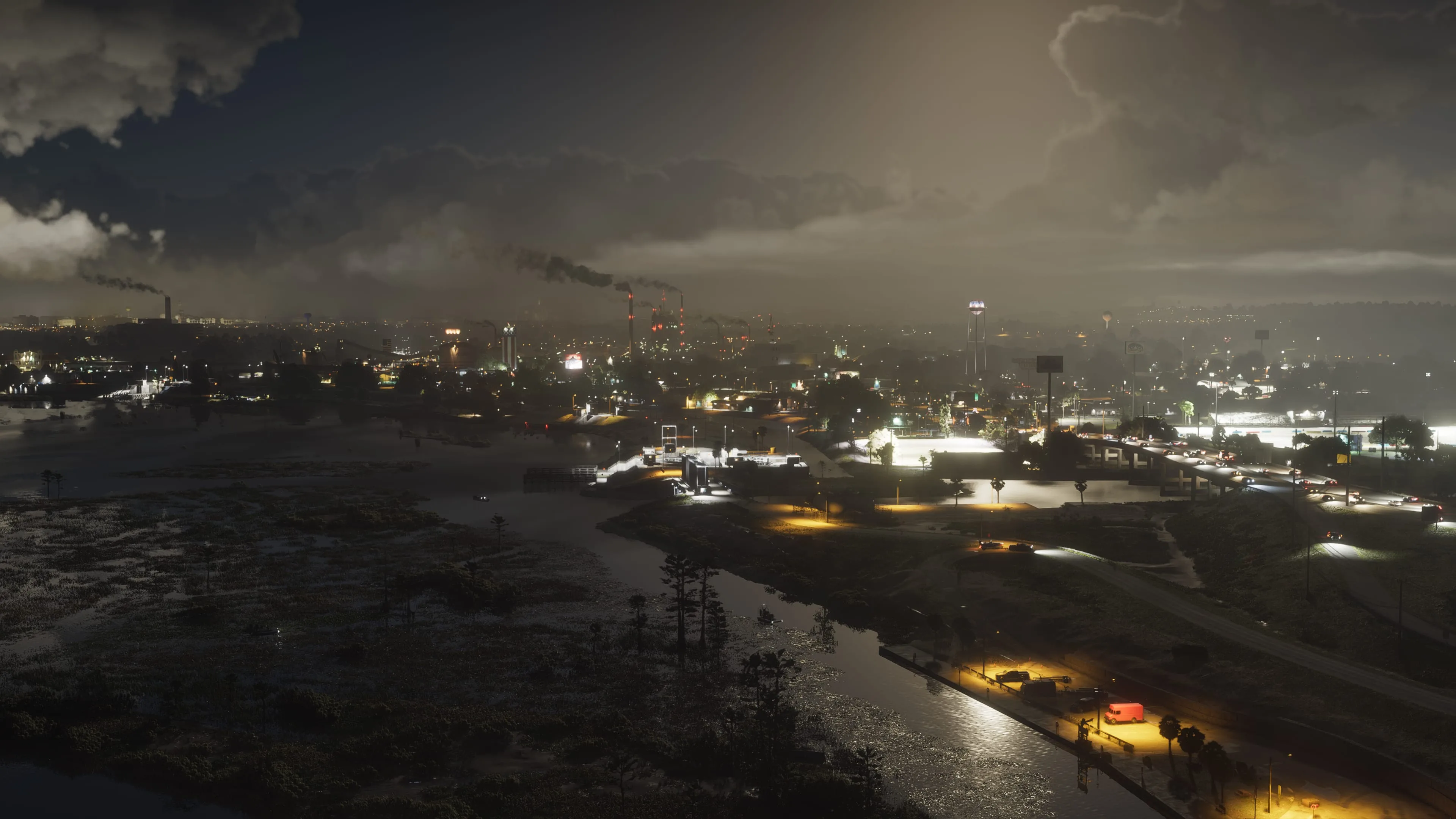
Everything Rockstar has actually shown leans on lighting: Digital Foundry's breakdown of the Extended Look identifies ray-traced global illumination and ray-traced reflections blended with screen-space techniques, and the trailers themselves are built around neon-soaked Vice City nights, rain-slicked streets, and sunset skylines where the image lives or dies on how it handles bright highlights next to deep shadow. That's a contrast and HDR problem, not a refresh-rate problem, and it's the one place I'd tell you to spend real money before you think about Hz.
A panel's real HDR capability isn't the "HDR400" sticker on the box — that badge only requires 400 nits peak brightness, which a lot of monitors hit without meaningfully improving the image over SDR. What actually shows up in a game built around night driving and neon reflections is either a genuinely bright, well-controlled mini-LED backlight, or an OLED panel, where every pixel controls its own light and turns off completely for true black. For a state built around dusk-to-dark lighting the way Leonida's trailers are, OLED's per-pixel contrast is the closest thing to a guaranteed visual upgrade in this whole guide, console or PC.
Panel Type: OLED's Upside Here, and the One Real Catch
OLED's near-instant pixel response also helps with motion clarity in exactly the scenario GTA games are built around — high-speed driving, where a slower panel smears the road and passing scenery into a blurrier mess than the frame rate alone would suggest. That's a genuine, if modest, gameplay benefit: cleaner motion makes it slightly easier to read oncoming traffic and obstacles at speed, not just a nicer screenshot.
The catch is the one every OLED buyer already knows: static UI elements. GTA games keep a minimap, wanted stars, health/armor bars and a weapon wheel prompt in fixed screen positions for hours at a stretch, which is exactly the kind of content that wears OLED pixels unevenly over a long ownership window. Long-term testing suggests varied use rarely causes visible burn-in within a standard warranty period, but warranty terms differ by manufacturer — check whether burn-in is actually covered before paying the OLED premium, especially if you know you'll leave GTA 6 running in the background for long sessions.
If you'd rather not think about it, a good mini-LED or high-zone-count VA panel gets you most of the HDR benefit with none of the burn-in question, at the cost of some black-level precision and potential blooming (a faint halo around bright objects against a dark background — headlights against a night sky is the classic case).
Refresh Rate: Buy for Where GTA 6 Is Going, Not Where It Is
Here's the honest framing: a 240Hz monitor gets you nothing over a 120Hz one in GTA 6 as the game exists today, because there is no confirmed frame rate above 30fps on console and no PC version to run above it on. That said, don't buy a 60Hz-only panel and assume that's the ceiling forever. Rockstar's own history argues against it — GTA V's PS5/Xbox Series X re-release eventually shipped a 60fps Performance mode years after its original launch, once the studio had headroom to tune for it, and Rob Nelson's reported comment that a performance mode is under consideration "for now" leaves the door open for the same pattern with GTA 6. A monitor or TV that supports 120Hz with VRR costs little more than a 60Hz-only one today and means you're not buying a second display the day a 60fps patch — or eventually a PC version — actually lands.
For anyone building specifically toward a hypothetical PC release, the calculus flips closer to normal: a high frame rate becomes a real driving-and-combat advantage once your hardware can actually produce it, since less time between frames means less time between an oncoming car appearing and you reacting to it. Until that version exists, though, paying for 240Hz on a console-only setup is money better spent on the panel's HDR quality.
Resolution: 4K Makes Sense Now, in a Way It Doesn't for Most Games
Normally resolution is a straight trade against frame rate — more pixels costs more GPU work, which matters when you're chasing a high, variable frame rate. GTA 6 on console removes half of that equation: at a fixed ~30fps target, a 4K display isn't competing with refresh rate for GPU budget the way it would in a shooter you're trying to run at 240fps. Digital Foundry's read of the trailer footage as an internally-rendered 1440p upscaled to 4K also means a genuinely good 4K panel — one with strong upscaling and sharpening in its own processing, or simply a large enough screen that upscaling softness is less visible — is a reasonable buy today, more so than it would be for a fast-paced multiplayer game where 1080p or 1440p at a high refresh rate is usually the smarter target.
If a PC version eventually arrives, 4K becomes the more expensive choice again, trading frame rate for pixel count the way it does in our GTA 6 PC hardware guide, which covers the GPU and VRAM side of that trade-off in more depth than belongs here.
VRR Matters More for This Game Than Most
Variable refresh rate (VRR) — NVIDIA G-Sync, AMD FreeSync, or the HDMI/DisplayPort VRR standard underneath both — matches your display's refresh to whatever frame rate is actually being produced, which removes tearing and stutter without the added latency of traditional V-Sync. It's a bigger deal for GTA 6 specifically than for most competitive games, because Rockstar's open worlds are CPU-bound by traffic density, pedestrian AI and physics simulation rather than GPU-bound, and that kind of workload tends to produce frame rate dips in exactly the busy, simulation-heavy moments — a packed highway pileup, a crowded beachfront — where you'd otherwise notice stutter most. Even locked to a 30fps target, a console that dips to 27 or 28fps in a dense scene benefits from VRR smoothing that transition rather than showing a visible stutter.
On PS5, VRR requires an HDMI 2.1 connection to the display; check that a monitor or TV you're considering actually supports it over HDMI rather than only over DisplayPort, since plenty of monitors ship with DisplayPort VRR and a more limited HDMI implementation.
What to Actually Buy
If you're buying for console today and want one display that won't need replacing if a 60fps patch or PC version shows up: a 27–32 inch 4K panel with HDMI 2.1, real HDR (not badge-only), and VRR support, at 120Hz or higher. The Gigabyte M28U is a genuinely good, unglamorous pick here — a 28-inch 4K IPS panel at 144Hz with HDR400 and FreeSync Premium Pro over HDMI 2.1, commonly found in the $380–450 range. It won't match OLED contrast, but it covers every box above without the burn-in question.
If HDR and contrast are the priority — and for a game built around neon nights and reflective streets, they're a legitimate one — a QD-OLED or WOLED panel is the upgrade that actually shows up on screen. The Alienware AW3225QF is a 32-inch 4K QD-OLED at 240Hz with HDR400 True Black certification, commonly priced around $900–1,000 — well beyond what GTA 6 needs today, but a display that will still be a strong pick whenever a 60fps mode or PC version arrives, rather than something you outgrow.
If you just want a budget-sensible display that doesn't waste money on refresh rate you can't use yet, a 1440p IPS panel around 165–170Hz with FreeSync, like the Gigabyte M27Q, covers console GTA 6 comfortably and doubles as a fine everyday monitor for anything else you play in the meantime, for well under $250.
Bottom Line
The single biggest mistake right now is buying a monitor for the GTA 6 you're imagining instead of the one that exists. There's no PC version, no published resolution, and a reported 30fps console target with no performance mode confirmed — so a 240Hz panel is wasted money today, and a 60Hz-only one is a bet against Rockstar's own track record of eventually shipping faster modes. Buy for real HDR and contrast first, since that's what the trailers are actually selling, make sure whatever you buy supports 120Hz and VRR over HDMI 2.1 so you're not stuck when things change, and treat resolution and raw refresh rate as the part of this decision that's still genuinely unwritten.
Lee covers PC setup and optimization for Gamingonix, translating requirements and settings into what actually changes your performance.