
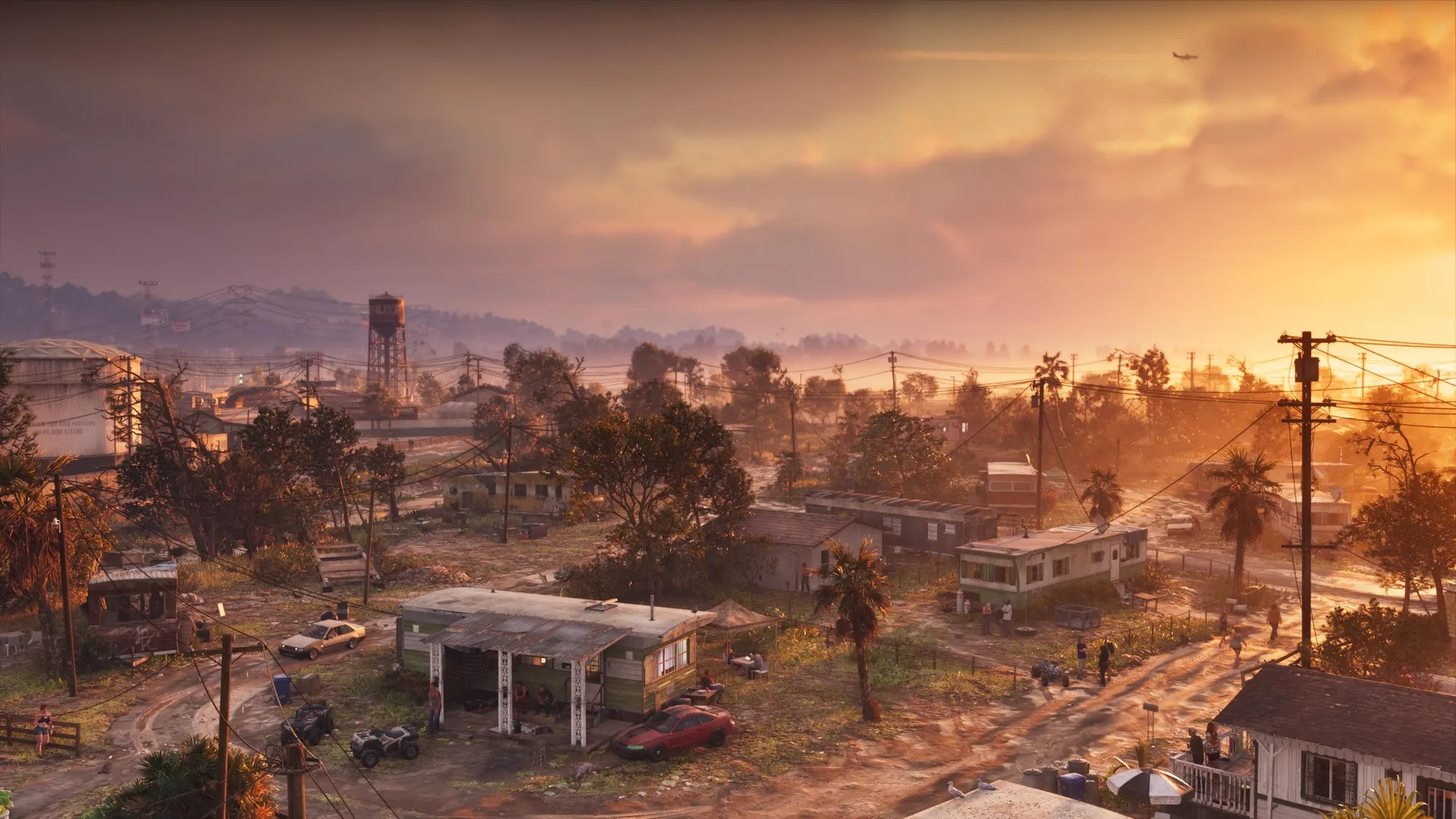
There are no "best settings" for GTA 6 on PC, and anyone handing you a list of sliders and frame rates today is inventing it. Rockstar has confirmed GTA VI for November 19, 2026 on PlayStation 5 and Xbox Series X|S only. It hasn't announced a PC version, published PC specs, or shown a graphics settings menu of any kind. PC appears in this article's platform tags because it's the expected eventual destination, not because it's confirmed. What follows is the useful version of the question: what Rockstar's last two PC releases tell you to expect, what you can prepare right now, and what to do on day one when a PC version does exist. (For hardware and build tiers, see our separate best gaming PC for GTA 6 piece. This guide is about settings and habits, not what to buy.)
What Actually Exists Today
Confirmed: release date, platforms, and that PC isn't among them. Take-Two CEO Strauss Zelnick has said Rockstar "always starts on console" and has denied any exclusivity deal, and the gaps in history are long. GTA V reached PC after roughly 19 months and Red Dead Redemption 2 after roughly 13. That points to 2027 at the earliest, though that's a pattern, not a promise.
On performance, the only signal is secondhand and about consoles. In late August, Rockstar North's Rob Nelson reportedly told content creators visiting the studio that the console builds currently run at 30 fps in development. Asked about a 60 fps option, he reportedly said the technical team would have to weigh in and didn't rule it out. Rockstar hasn't published a frame rate, resolution, or mode list in its own materials that I could find, and several outlets' "confirmed 30 fps" headlines overstate a comment about a work-in-progress build. Treat it as a hint, not a spec.
Why GTA V Enhanced and RDR2 Are the Right Proxies
Rockstar's most recent PC work is the best evidence of how its engine scales on a PC. GTA V Enhanced, the 2025 rebuild with ray tracing, is the closest thing to Rockstar's current-generation PC approach. RDR2 is the most thorough settings menu Rockstar has ever shipped, with more than 40 options. Both are real, documented, and tested by independent outlets.
The caveat is real, too. GTA VI is a new game with a new map and new simulation load, and its PC port might arrive with different options, different defaults, or a different renderer. Everything below is based on RDR2 and GTA V Enhanced, and is expected to carry over in spirit, not confirmed for GTA VI. Use it to build habits, not to set expectations for exact frame rates.
The Settings That Cost the Most (Based on RDR2 and GTA V Enhanced)
| Setting type | What the evidence says | Source game |
|---|---|---|
| Ray-traced global illumination | Widely reported as the single most expensive RT option; disabling it gives the biggest single gain | GTA V Enhanced |
| Ray-traced reflections | Second-costliest RT feature in third-party testing; higher-resolution RT reflections cost more still | GTA V Enhanced |
| MSAA (and reflection MSAA) | Renders extra samples per pixel and takes a large share of GPU time; most guides say leave it off | Both |
| Near volumetric resolution | Heavy GPU load for fog, mist and light shafts; lowering it is a standard first cut | RDR2 |
| Water physics quality | Reported to add little visually while costing a lot of frames | RDR2 |
| Far and long shadows | Hit minimum frame rates and 1% lows harder than average frame rate | RDR2 |
Two things are worth taking from that table. First, the expensive settings are often the ones that look least different in motion. PC Gamer's analysis of GTA V Enhanced ended with the advice to skip Maximum RT and enable Very High RT, because the top preset costs noticeably more for gains most players won't spot mid-drive. Second, the cost of shadow settings often shows up in stutter and lows rather than averages, so if a game "feels" bad despite a decent fps counter, look at shadow distance before touching anything else.
The Settings That Are Usually Cheap
RDR2's texture quality and anisotropic filtering are the standard examples: keep them high if your VRAM allows, because they improve image quality without costing much frame rate. Texture quality is limited by VRAM capacity rather than by GPU speed, so the rule is to raise it until the in-game VRAM meter (both games have one) gets near your card's limit, then back off one notch. Tree tessellation in RDR2 cost a few percent for a small gain in third-party testing. Grass quality in GTA V Enhanced is a smarter target than most: the gap between High and Very High was small, while dropping to Normal gave a visible boost, so lower it first if countryside scenes are the problem. If GTA VI keeps Leonida's swamps and rural stretches, expect vegetation to matter. That is a guess based on the trailers, not something Rockstar has said.
Upscalers and Frame Generation: How to Judge Them Yourself
GTA V Enhanced launched with NVIDIA DLSS 3 including frame generation, AMD FSR 3 frame generation, and FSR 1, and was later updated with DLSS 4 multi frame generation and FSR 4. Intel's XeSS wasn't supported, at least according to community reports at the time of writing. RDR2 also got DLSS and FSR patches after launch. So expect Rockstar's PC work to include some upscaling, but don't assume which vendors' tech GTA VI would support on day one.
Upscaling renders at a lower resolution and reconstructs the image. Frame generation inserts extra frames between real ones. They solve different problems and are judged differently.
- Judge upscalers in motion, not screenshots. Load the same save at the same spot, and compare native, Quality, Balanced and Performance. Look at what breaks first: shimmering foliage, ghost trails behind cars, crawling fine wires and fences, blurred HUD text, and reflections turning noisy. Each upscaler fails differently. In one third-party GTA V Enhanced comparison, for example, FSR 3 at Performance gave softer but less noisy ray-traced reflections, while DLSS kept more detail but turned the low ray count into noise.
- Frame generation needs a healthy base frame rate. It makes motion look smoother but doesn't reduce input latency the way real frames do. Consider it if you're already comfortably above roughly 40 to 60 fps before enabling it. That figure is common community advice, not a Rockstar recommendation. Below that, the game will look smoother while still feeling sluggish under your hands.
- Check the fine print. At launch, GTA V Enhanced's frame generation reportedly came with conditions, such as Windows Hardware-Accelerated GPU Scheduling being enabled and borderless windowed mode rather than exclusive fullscreen. Rules like that can change with patches, but they're exactly the kind of thing to look up before blaming the game.
Frame Caps, VRR and Refresh Rate Targets
Decide your target before the game ships, because it determines how you'll choose settings. A frame rate you can't hold is worse than a lower one you can, and consistent frame pacing beats a high average.
- Have a variable refresh rate (VRR) monitor? Use it. G-Sync or FreeSync smooths dips that would otherwise show as stutter. Cap your frame rate a few fps below your monitor's refresh rate so you stay inside the VRR window. This is standard practice, not GTA-specific.
- No VRR? Cap at a clean divisor. On a 60 Hz screen, 60 or 30 fps paces evenly. On a 120 or 144 Hz screen, 60 or 72 are safer than random targets like 87.
- Pick your target by monitor. 60 fps is a reasonable goal for a game this dense on a 60 Hz display. On a 120 Hz-plus display, 60 to 90 fps with VRR is realistic for a heavy open-world game. Chasing 144 in a Rockstar open world has historically required either top-end hardware or turning settings down, and that pattern is likely to hold.
- Watch 1% lows, not just the average. Open-world streaming stutter hides in the lows.
Prepare Your PC Now (It Costs Little)
Most of this is hygiene, and none of it depends on GTA VI's final specs.
- Put it on an NVMe SSD. GTA V Enhanced's published specs call for an SSD. A big streaming open world is the last place to run from a slow drive. Keep plenty of free space too: GTA V Enhanced needs roughly 105 GB.
- Update GPU drivers as a habit. Rockstar's PC releases often get game-ready drivers around launch, but keep your baseline current so you're not debugging a two-year-old driver and a new game at once.
- Learn your GPU's tools. NVIDIA Control Panel and Reflex, or AMD Adrenalin's settings, are what you'll use to cap frames, enable VRR, and tune latency.
- Check Windows features. Know where Hardware-Accelerated GPU Scheduling and Game Mode live, since frame generation in GTA V Enhanced depended on the former.
- Set up a benchmark routine now. Use a game you own to practice reading a frame-time graph and VRAM meter. It's easier than learning while a new release is patching daily.
If You're Playing on Console at Launch
Console players have the mirror-image problem: no settings to tune, and unconfirmed modes. Rockstar hasn't announced whether GTA VI will offer a Performance and Fidelity split at all, and hasn't published resolution or frame rate targets. As above, the only signal is a reported comment that current builds run at 30 fps, with 60 fps neither promised nor ruled out. Analysts speculating about a 40 fps mode on 120 Hz displays are speculating.
What you can do today is get your display ready. Plug your console into an HDMI 2.1 port on your TV if it has one, switch on the TV's Game Mode, and enable VRR in the console's video settings if your TV supports it. If Rockstar does ship a mode that runs above 30 fps, or unlocks a variable frame rate, you'll already be set up. Then wait for the actual mode names and behavior on launch day rather than pre-deciding, and look at what a mode does to image quality and input feel before you commit to it for the whole campaign.
Your Day-One Checklist When a PC Version Is Announced
Whenever Rockstar does announce PC, run this before touching a slider.
- Read the official specs and the storage line first. If it says NVMe, believe it.
- Look at what the settings menu actually offers. Which upscalers, which frame generation, whether there's ray tracing, whether it's optional. Don't assume the RDR2 or GTA V Enhanced menu carries over.
- Run a built-in benchmark if there is one. RDR2 and GTA V both shipped with one on PC, which gives you a repeatable baseline before you change anything.
- Change one setting at a time. Note the frame-time and 1% low difference, not just the average.
- Check the VRAM meter. If the game shows one, keep usage under your card's limit. Overrunning it causes stutter, not just lower fps.
- Cut the big-ticket items first. Based on the proxies above, that would be ray-tracing tiers, MSAA, volumetrics, water and long-distance shadows, in that rough order, if they exist.
- Test your upscaler in a real drive. Same save, same route, native versus each preset.
- Wait for the first patch and driver. Rockstar's PC versions have needed post-launch fixes before, and both GPU vendors tend to put out game-specific drivers, so a rough day one isn't necessarily the final state.
Bottom Line
There are no GTA 6 PC settings to optimize yet, and no confirmed console frame rate either, only a reported 30 fps development build and a release date of November 19. What you can do is prepare: an NVMe SSD, current drivers, a monitor and cap strategy, and the habit of testing upscalers in motion rather than trusting a preset name. When a PC version is announced, expect ray-tracing tiers, MSAA, volumetrics, water and shadow distance to be the costly ones, based on RDR2 and GTA V Enhanced, and confirm it in the actual menu before you believe it.
Alex writes practical, beginner-friendly guides for Gamingonix, turning confusing early-game decisions into clear next steps.