


Fortnite has always had a strange dual identity: it's the game your little cousin can run on an eight-year-old laptop, and it's also a genuinely demanding Unreal Engine 5 title with Nanite geometry, Lumen global illumination, and hardware ray tracing on current-gen consoles. Both of those things are true at once because Epic still ships a scalable range of presets under the hood, from a "Performance Mode" built for potato hardware and 240Hz monitors alike, up to an Epic-quality tier that pushes a genuinely current GPU. The hardware question that actually matters isn't "can I run Fortnite" — almost anything can — it's "can I hold a stable, high frame rate through a 20-structure build fight without the game's own settings working against me." That's a different, more specific ask, and it's what this guide is built around.
System Requirements
| Spec | Minimum | Recommended | Competitive / High Refresh (240+ fps) |
|---|---|---|---|
| OS | Windows 10 64-bit | Windows 10/11 64-bit | Windows 11 64-bit |
| CPU | Intel Core i3-3225 / equivalent | Intel Core i5-7300U or better | Intel Core i5-13600K / Ryzen 5 7600X or better |
| GPU | Intel HD 4000 | GeForce GTX 960 / AMD Radeon R9 280 | GeForce RTX 4070 / RTX 5070 / Radeon RX 9070 |
| RAM | 8 GB | 16 GB | 16-32 GB |
| Storage | 30 GB, SSD strongly recommended | 30 GB, SSD required | 30 GB, NVMe SSD |
| Target | 720p, Low, ~30 fps | 1080p, Medium-High, ~60 fps | 1080p/1440p, Performance Mode, 240+ fps |
That minimum row is real, and it's also close to two decades old — Epic hasn't raised the absolute floor much because Fortnite's engine still scales down aggressively through its Performance Mode preset. Don't read the GTX 960-class "Recommended" tier as a ceiling, though: it gets you a stable 60fps at medium settings, not the frame rate a competitive build fight rewards. The right-hand column isn't an official Epic tier, it's the hardware that actually holds 240fps+ with headroom during the chaotic, GPU-and-CPU-spiking moments — mass structure destruction, storm-circle end-game fights, a dozen players editing at once — that a benchmark run never shows you.
Fortnite Is More CPU-Bound Than It Looks
This is the single most underrated fact in Fortnite hardware advice: building, editing, and destroying structures is physics and geometry work handled largely by the CPU, not the GPU. A player with a mid-tier graphics card and a fast, modern CPU will often out-frame-rate someone with a better GPU sitting behind an old quad-core processor, specifically in the moments that matter most — a 1v1 box fight where both players are spamming walls, ramps, and edits in the same few square meters. Single-core clock speed and instructions-per-clock matter more here than raw core count past six cores; a Ryzen 5 7600X or Core i5-13600K comfortably outperforms an older eight-core chip with lower per-core clocks in these exact scenarios, even though the older chip might win a synthetic multi-core benchmark. If you're choosing between spending your budget on the next GPU tier up or a newer-generation CPU, and you play competitively, put the money into the CPU generation first.
GPU: Where the Money Actually Buys You Something
Fortnite's GPU demand splits cleanly along one axis: are you running Epic-quality Nanite and Lumen for the game's current visual identity, or are you running Performance Mode for frame rate. An RTX 4070, RTX 5070, or Radeon RX 9070-class card handles native Lumen global illumination and Nanite's virtualized geometry at 1440p comfortably, and that's the tier worth aiming for if you actually want Fortnite to look like Epic's current marketing screenshots. But for competitive play specifically, Performance Mode strips Nanite and Lumen out entirely in favor of a lighter, more traditional rendering path, and on that path even a mid-range GPU from the RTX 4060 / RX 7600 class will push well past 240fps on a capable CPU — meaning the expensive flagship card buys you visual fidelity you're actively told to turn off if frame rate is the priority. Know which of those two goals you're buying hardware for before you spend on a GPU tier you won't actually use in ranked play.
Graphics Settings That Actually Matter for Build Fights
3D Resolution should stay at 100% as your first move — it's the single biggest frame-rate lever in the menu, but dropping it below 100% costs you the ability to clearly read distant builds and player silhouettes, which matters more in Fortnite's long fight windows than in a faster-paced shooter. Drop the actual display resolution before you touch this slider if you need the performance back.
View Distance is a genuine competitive trade-off, not a pure performance one, and Fortnite's implementation has a known quirk worth knowing: on Near, structures far enough away render as semi-transparent silhouettes rather than disappearing outright, which some competitive players deliberately exploit to see through distant builds during stacked end-game fights. For ranked or tournament play where reading the zone and distant rotations matters, Medium is the safer call; for Arena grinding or pure box-fight practice where every frame counts, Near is standard.
Shadows should be off for competitive play, full stop — Virtual Shadow Maps are one of Fortnite's more expensive UE5 features, they add nothing to your ability to track an opponent, and turning them off recovers meaningful frame rate with zero gameplay downside.
Effects and Post Processing should both sit at Low — Effects governs build destruction particles and explosion clutter, which is a genuine visibility issue as much as a performance one, since heavy particle effects can briefly obscure an opponent mid-fight the same way smoke grenades do in other shooters. Post Processing controls bloom, motion blur and similar screen-space effects that cost frame time without helping you spot anything.
Performance Mode itself is the setting most competitive players should actually be running rather than manually tuning every slider around it — it's Epic's own bundled preset that disables Nanite and Lumen and switches to a lighter rendering path built specifically for frame-rate consistency, and it's a bigger single jump in fps than any individual graphics option above it.
Monitor: Why Refresh Rate Matters More in Fortnite Than in Most Shooters
Fortnite's build-edit-shoot loop compresses an unusual amount of decision-making into very short windows, which makes frame consistency and monitor refresh rate matter more here than in games with a slower time-to-kill. 144Hz is the realistic competitive floor in 2026 — the step up from 60Hz to 144Hz is dramatic and immediately felt in how readable a fast edit or a mid-air 90 looks — and 240Hz is where most competitive players and pros settle, since it's the point where diminishing returns start but the game is still capable of feeding a GPU enough frames to use it. 360Hz panels exist and do measurably shave a few more milliseconds of motion clarity, but the gap from 240Hz to 360Hz is far smaller than 144Hz to 240Hz was, and it matters less than making sure your CPU and settings can actually sustain the lower number first — a 360Hz monitor paired with a frame rate that dips to 150 during fights isn't using the panel you bought it for.
Mouse and Keyboard: Built for Building, Not Just Shooting
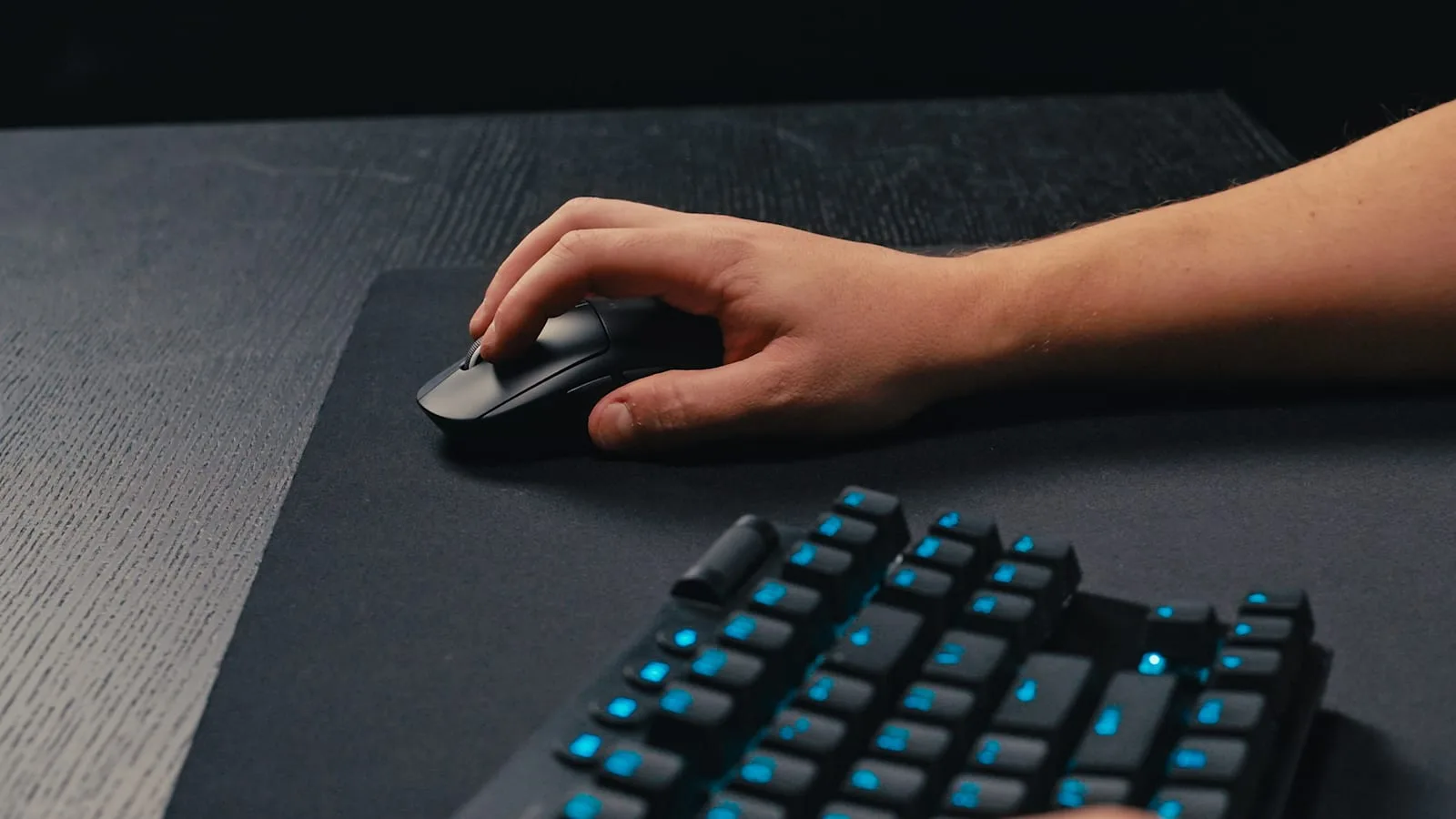
Fortnite asks more of a keyboard than most competitive shooters because building and editing are rapid, repeated key presses under time pressure, not just movement and reloads. This is where Hall-effect keyboards with adjustable actuation points have become genuinely relevant rather than a marketing gimmick — a lower actuation distance registers a build or edit input a few milliseconds faster than a standard mechanical switch bottoming out, and features like rapid trigger (which resets the key the instant it starts moving back up, rather than waiting for a full release) noticeably speed up rapid edit sequences. It's a real, if small, competitive edge, not just a comfort upgrade.
Mouse choice matters most for two things: weight and side-button placement. A lighter mouse (sub-70g in many competitive picks) reduces the physical effort of the fast, repeated flicks Fortnite's close-range fights demand, and most competitive players bind at least one build piece and edit-confirm to accessible side buttons rather than reaching across the keyboard, which shortens the physical path between "see the opportunity" and "take it." Polling rate follows the same logic as any other competitive shooter — 1000Hz is the practical floor, and it's worth confirming your mouse's software actually has it set rather than assuming the default.
Console: 120fps Mode Exists, But Check Your TV First
Both PS5 and Xbox Series X support a 120fps mode in Fortnite, and it's a genuine gameplay upgrade if your display can use it — but it comes with a resolution trade-off worth knowing before you turn it on. PS5 and Series X drop from a native 4K target down to roughly 1440p to hit 120fps, while Xbox Series S runs its 120fps mode at 1080p with shadow resolution and a few other settings reduced further to sustain it. None of that matters at all, though, unless your TV or monitor actually accepts a 120Hz signal. Epic's own requirement is simply a display that supports 120Hz; HDMI 2.1 is the most common way to get there, though some displays accept 120Hz over HDMI 2.0 too, so check your screen's real specs. Plugging a 120fps-capable console into a 60Hz display gets you exactly the same frame rate you had before, just with a lower resolution for no benefit, so confirm your display's real refresh support before switching the setting.
PS5 Pro owners get a further split: Epic uses the Pro's extra headroom to run hardware-accelerated ray tracing — more accurate reflections and global illumination than the base PS5's software approximation — inside the 60fps mode rather than the 120fps one, and renders at a meaningfully higher internal resolution upscaled via Unreal Engine's own Temporal Super Resolution rather than Sony's PSSR. In practice that means PS5 Pro players choosing between modes are making the same fidelity-versus-frame-rate call PC players make with Nanite and Lumen — competitive play still favors the 120fps mode, visual showcase play favors the enhanced 60fps one. Controller players on any console should also know that Fortnite's aim assist is meaningfully tuned around a 60fps baseline in some competitive playlists — check current lobby settings before assuming 120fps mode is a strict upgrade in every mode, since Epic has adjusted assist strength alongside frame-rate changes in the past.

Lee covers PC setup and optimization for Gamingonix, translating requirements and settings into what actually changes your performance.